
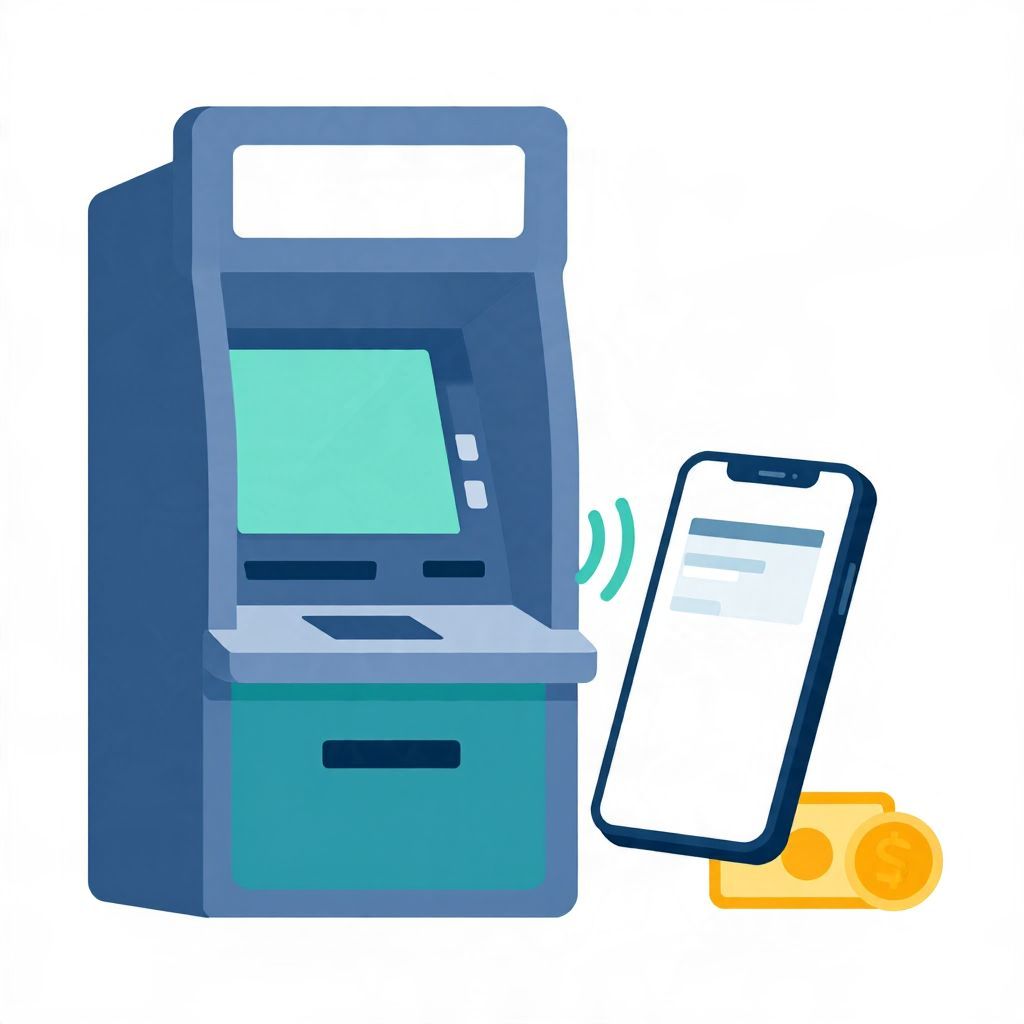
If you’re wondering, “Can I use Apple Pay at ATM?” the short answer is: sometimes, yes. It depends on whether the ATM supports contactless withdrawals and whether your bank or card issuer allows Apple Pay for ATM access. Not every ATM works this way, so it’s important to check before you rely on it.
In many cases, Apple Pay can replace a physical debit card at compatible ATMs through NFC or contactless card readers. But the exact steps, fees, and limits vary by bank, ATM network, country, and account type.
Can I Use Apple Pay at ATM?
Yes, you can use Apple Pay at an ATM only if the machine supports contactless transactions and your debit card is linked in a way the bank allows for ATM access. If the ATM does not have a contactless symbol or your bank has not enabled this feature, Apple Pay will not work there.
How Apple Pay Works at an ATM
Apple Pay is a digital wallet that stores your card information on your iPhone or Apple Watch. At a compatible ATM, you can authenticate with Face ID, Touch ID, or your device passcode, then tap the phone or watch near the contactless reader.
What the ATM is actually reading
The ATM is not “seeing” your money inside Apple Pay. It is using tokenized payment data linked to your debit card. That means the transaction still depends on your bank account, your card issuer, and the ATM network’s rules.
What you usually need
- An iPhone or Apple Watch with Apple Pay set up
- A debit card added to Apple Wallet
- A compatible contactless ATM
- Your bank’s approval for ATM withdrawals through Apple Pay
- Your usual ATM PIN, in some cases
How to Tell Whether an ATM Supports Apple Pay
The easiest sign is a contactless symbol on the ATM. Some machines also show Apple Pay, NFC, or tap-to-withdraw messaging. If you do not see those indicators, the ATM may still support contactless access, but you should not assume it does.
Common signs to look for
- A contactless wave icon
- “Tap card” or “contactless” wording on the screen
- Apple Pay, Google Pay, or digital wallet logos
- Instructions to tap your phone or watch
Because ATM features vary by operator, the same bank branch may have one machine that supports Apple Pay and another that does not. If you are unsure, check the ATM screen or ask the bank directly.
Step-by-Step: Using Apple Pay at an ATM
The exact process can vary, but the general flow is similar across compatible machines. You may still be asked to enter a PIN or choose a withdrawal amount on the screen.
- Wake your iPhone or Apple Watch and open Apple Wallet if needed.
- Authenticate with Face ID, Touch ID, or your passcode.
- Hold the device near the ATM’s contactless reader.
- Wait for the ATM to recognize the card and prompt you.
- Enter your PIN if the machine asks for it.
- Select the transaction, such as cash withdrawal or balance inquiry.
- Complete the withdrawal and take your cash, cardless receipt, or printed receipt if offered.
Do you still need a PIN?
Often, yes. Even when Apple Pay works at an ATM, the bank may still require your debit card PIN for security. Some systems may use your device authentication first and then ask for the PIN as a second step.
Why Apple Pay May Not Work at Some ATMs
Apple Pay at an ATM is convenient, but it is not universal. A machine may lack contactless hardware, the bank may not support cardless withdrawals, or the ATM network may only allow physical cards for certain transactions.
Common reasons for failure
- The ATM does not support contactless access
- Your debit card is not eligible for ATM use through Apple Pay
- Your bank has disabled cardless withdrawals
- The ATM network is not configured for digital wallet access
- Your device is not set up correctly or is not authenticated
- The ATM is offline or temporarily unavailable
If Apple Pay fails at one machine, try a different ATM from the same bank or network. If it still does not work, contact your bank to confirm whether cardless ATM access is supported on your account.
Are There Fees for Using Apple Pay at an ATM?
Apple itself usually does not charge a fee for using Apple Pay, but ATM fees can still apply. Whether you pay a fee depends on your bank, the ATM operator, your account terms, and whether you are using an out-of-network machine.
Possible charges to watch for
- ATM operator surcharge
- Your bank’s out-of-network fee
- Foreign transaction fee if you use the ATM abroad
- Currency conversion markup in some countries
For example, if your bank charges an out-of-network ATM fee and the machine also adds its own surcharge, you could pay two separate fees for one withdrawal. The exact amount is not something Apple Pay changes.
Is Apple Pay Safer Than Using a Physical Card?
In many situations, Apple Pay can be safer than swiping or inserting a card because it uses tokenization and device authentication. That said, no payment method is risk-free, and you still need to protect your phone, watch, passcode, and bank account credentials.
Potential security advantages
- Your actual card number is not usually shared with the merchant or ATM in the same way as a physical card
- Face ID, Touch ID, or passcode adds a layer of protection
- You do not need to hand over a physical card that could be skimmed
What to be careful about
- Someone could use your unlocked device if you leave it unattended
- A stolen phone may still be risky if your passcode is weak
- ATM fraud, card compromise, and account takeover can still happen through other channels
If you lose your device, use Find My to lock or erase it as soon as possible and contact your bank if you suspect account access issues.
Can You Withdraw Cash Without a Physical Debit Card?
Yes, at some banks and ATM networks, cardless cash withdrawals are available. Apple Pay can be part of that process, but not every bank offers it. Some institutions use their own app-based withdrawal system instead of Apple Pay.
Cardless withdrawal options may include
- Apple Pay or another digital wallet
- A bank’s mobile app with a one-time code
- QR code scanning at the ATM
- Tap-to-withdraw using NFC
If you need cash often, it may be worth checking whether your bank offers cardless ATM access as a standard feature. That can save time if you forget your physical card, but it should be treated as a convenience feature, not a guarantee.
Using Apple Pay at ATMs While Traveling
If you are traveling, Apple Pay may work differently depending on the country, local banking rules, and the ATM network. Some regions have broad contactless support, while others still rely mainly on chip cards and PINs.
Things to confirm before traveling
- Whether your bank allows international ATM withdrawals
- Whether your debit card is enabled for foreign use
- What foreign ATM fees may apply
- Whether the local ATM supports contactless access
- Whether the ATM dispenses local currency only
Also remember that exchange rates and conversion fees can affect the final cost of your withdrawal. Those costs are separate from Apple Pay itself.
What to Do If Apple Pay Doesn’t Work at the ATM
If your tap-to-withdraw attempt fails, do not keep retrying endlessly. Repeated failed attempts can sometimes trigger security alerts or temporary card restrictions.
Simple troubleshooting steps
- Make sure your device is unlocked and authenticated.
- Move the phone or watch closer to the contactless reader.
- Check whether the ATM actually supports contactless access.
- Try another ATM from the same bank or network.
- Confirm that your debit card is active in Apple Wallet.
- Contact your bank if the problem continues.
If the ATM is not compatible, you may need to insert your physical debit card instead. Keeping a backup card is a practical idea if you rely on cash withdrawals regularly.
Should You Rely on Apple Pay for ATM Access?
Apple Pay can be a useful backup or everyday convenience, but it should not be your only plan if you often need cash. Because support varies by ATM and bank, it is smart to carry a physical debit card or know where your bank’s compatible machines are located.
Best use cases
- Quick withdrawals when you forgot your wallet
- Extra convenience at compatible bank ATMs
- Reduced card handling in public places
Limitations to keep in mind
- Not every ATM accepts Apple Pay
- Fees may still apply
- PIN requirements may still exist
- International compatibility can vary
So, can I use Apple Pay at ATM? Sometimes yes, but only at compatible machines and only when your bank supports it. The safest approach is to check your bank’s app or customer service before you need cash, and keep a backup withdrawal method available. For more related guidance, see Can you use Apple Pay at ATM and Can I deposit cash at any ATM.