
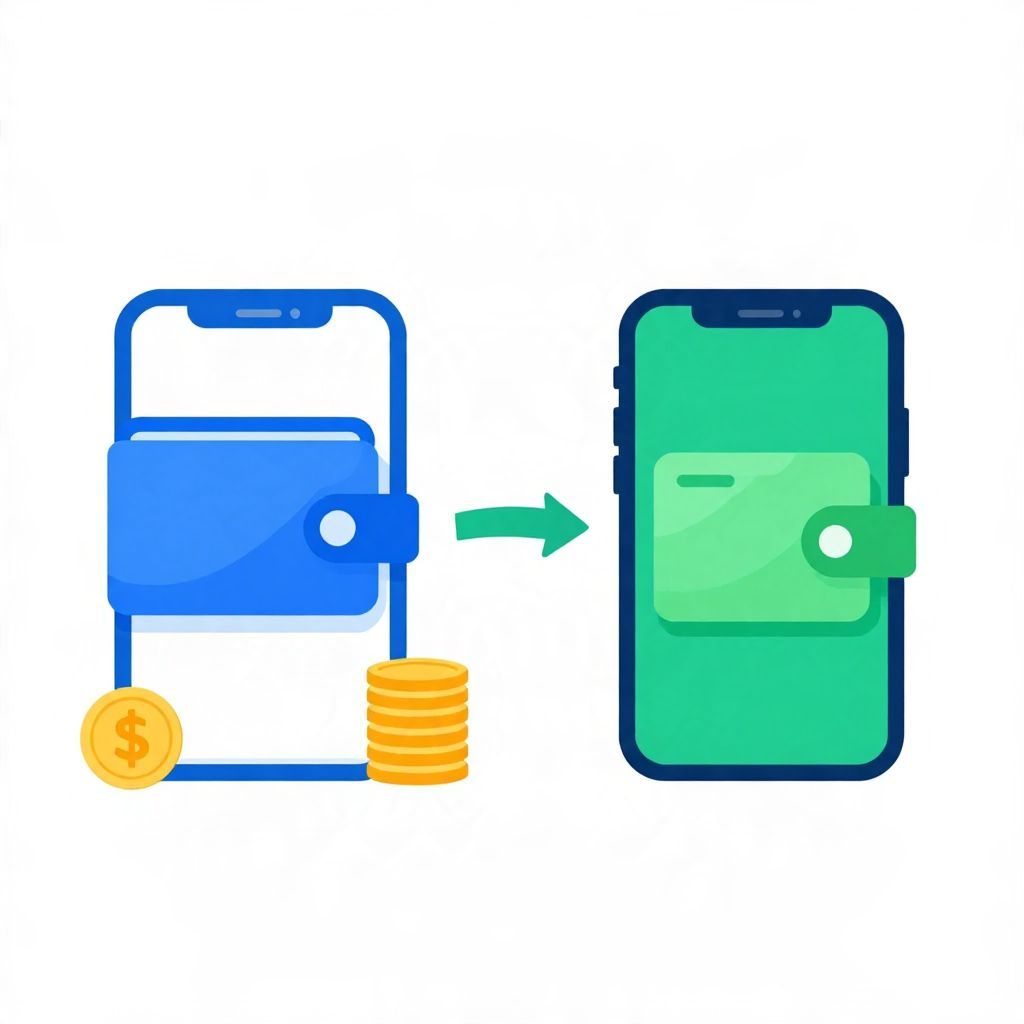
If you’re wondering, “Can I send money from Paypal to Cash App?” the short answer is not directly. PayPal and Cash App do not offer a built-in transfer button between the two apps, so you usually need a linked bank account or debit card as a middle step.
That does not mean the transfer is impossible. It just means you need to move money out of PayPal first, then add it to Cash App through an approved funding method. The exact steps, speed, and fees can vary by account type, country, and transfer method.
Can I Send Money From Paypal To Cash App?
No, you generally cannot send money directly from PayPal to Cash App. These are separate payment platforms, and they do not normally connect for instant peer-to-peer transfers. To move funds between them, you typically withdraw money from PayPal to a bank account or debit card, then add that money to Cash App from the same linked source.
How the transfer usually works
The most common method is a two-step transfer. First, you move money from PayPal to your bank account or eligible debit card. Then, you use that bank account or card to add cash to Cash App. This is the safest and most standard approach because it follows each app’s supported transfer rules.
Step 1: Move money from PayPal
In PayPal, you may be able to transfer your balance to a linked bank account. Depending on the transfer option you choose, the money may arrive in a few business days or sooner with an instant transfer option, if available. Instant transfers often involve a fee, while standard transfers may be free.
Step 2: Add money to Cash App
Once the funds are in your bank account or on an eligible debit card, you can add money to Cash App. Cash App generally uses a linked bank account or debit card to fund balance top-ups. If your bank supports it, this can be quick, but processing times still depend on the payment rail and your financial institution.
Why there is no direct PayPal to Cash App transfer
PayPal and Cash App are separate financial ecosystems. Each app has its own account system, identity checks, fraud controls, and transfer methods. Because of that, one app usually cannot “push” money directly into the other the way it can with its own internal users.
Platform compatibility limits
Even if both apps are linked to the same bank account, that does not create a direct app-to-app transfer. The shared bank account acts as the bridge, not the apps themselves.
Security and compliance controls
Payment platforms often restrict transfers to approved destinations to reduce fraud, account takeover risk, and mistaken payments. Those controls are one reason why you may need to use a bank account or debit card instead of sending money straight from one app to another.
What are your transfer options?
If you need to move money from PayPal to Cash App, you generally have a few practical choices. The best one depends on how fast you need the money, whether you want to avoid fees, and whether you already have a linked bank account.
- Standard bank transfer: Move money from PayPal to your bank, then add it to Cash App.
- Instant transfer to debit card: If PayPal supports it for your account, you may send funds to an eligible debit card faster, then use that card with Cash App if supported.
- Keep funds in one app: If speed matters more than moving balances around, you may choose to spend or receive money within the same platform instead of transferring between apps.
Example of the two-step process
Suppose you have $100 in PayPal and want it in Cash App. You might first transfer the $100 to your linked bank account. After it clears, you use that bank account to add $100 to Cash App. If either platform charges a fee, the amount that arrives or is available may be less than $100 net.
Fees, timing, and other trade-offs
When moving money between payment apps, the main trade-offs are usually speed, cost, and convenience. A faster transfer may cost more. A slower transfer may be free or cheaper. The exact fee depends on the transfer method and the rules of your account, so it is important to check the app before confirming.
Possible fees to watch for
- Instant transfer fees: Often charged when you want money faster.
- Card funding fees: Some platforms may charge when you use a card instead of a bank account.
- Bank fees: Your bank may have its own charges, though many do not for standard incoming transfers.
Timing considerations
- Standard transfers: Usually slower, often one to several business days.
- Instant transfers: Faster, but not always available and may cost extra.
- Weekends and holidays: Can delay processing because banks may not settle transfers immediately.
Can you use a debit card instead of a bank account?
Sometimes, yes. If PayPal allows an instant transfer to an eligible debit card, that can be a faster bridge to Cash App. However, not every card or account is eligible, and not every transfer method is supported in every region. You should confirm the card is accepted by both services before relying on it.
When a debit card may help
A debit card can be useful if you want quicker access to your balance and do not want to wait for a bank transfer. But it may involve fees, and some cards may not work for all transfer types. It is still important to verify the card is linked correctly and that the name on the account matches.
What if you do not have a bank account?
If you do not have a bank account, moving money from PayPal to Cash App becomes more complicated. You may still be able to use a supported debit card, but if you do not have either a bank account or an eligible card, you may not have a reliable way to transfer funds between the two apps.
Practical alternatives
- Use the balance inside PayPal for purchases where PayPal is accepted.
- Use Cash App separately for payments funded by a linked card or bank account.
- Consider opening a basic bank account if you regularly need to move money between platforms.
Common mistakes to avoid
People often run into trouble when they assume the transfer is instant, free, or direct. To avoid delays and surprises, double-check the funding source, transfer method, and recipient details before confirming anything.
Frequent errors
- Trying to send money directly from one app to the other without a linked bank or card.
- Using the wrong transfer type and expecting instant delivery.
- Forgetting that fees can reduce the net amount received.
- Entering account details incorrectly, which can delay or fail the transfer.
Is it safe to move money this way?
Using a bank account or debit card as the bridge is generally the safest and most standard method, as long as you are using the official apps and verified account details. Still, any electronic transfer carries some risk of delay, error, or unauthorized access if your login credentials are compromised.
Basic safety tips
- Use strong, unique passwords for both accounts.
- Turn on two-factor authentication if available.
- Only link accounts you control.
- Review transfer details before submitting.
- Watch for phishing emails or fake support messages.
Does this work the same everywhere?
Not always. Transfer rules, supported cards, withdrawal options, and fees can vary by country, and sometimes by state or account type. If you live outside the United States, the exact steps may be different, and some features may not be available at all. Always check the app’s local help pages for your region.
When it makes sense to use another method
If your goal is simply to pay someone, it may be easier to use one app consistently rather than moving money back and forth. For example, if the other person accepts PayPal, paying them there avoids extra steps. If they use Cash App, funding Cash App directly from your bank or debit card may be simpler than routing money through PayPal first.
Choose the simplest path when possible
Every extra transfer step can add time, fees, and the chance of a mistake. If you frequently move money between platforms, it may be worth setting up a single primary funding source that both apps can use.
Bottom line
So, can I send money from Paypal to Cash App? Not directly. The usual solution is to move the money from PayPal to a bank account or eligible debit card, then use that same funding source to add money to Cash App. For a smoother experience, check transfer fees, timing, and account eligibility before you start. If you want to compare similar transfer options, you may also find can you send money from PayPal to Cash App and can you send money from Venmo to Cash App helpful.