
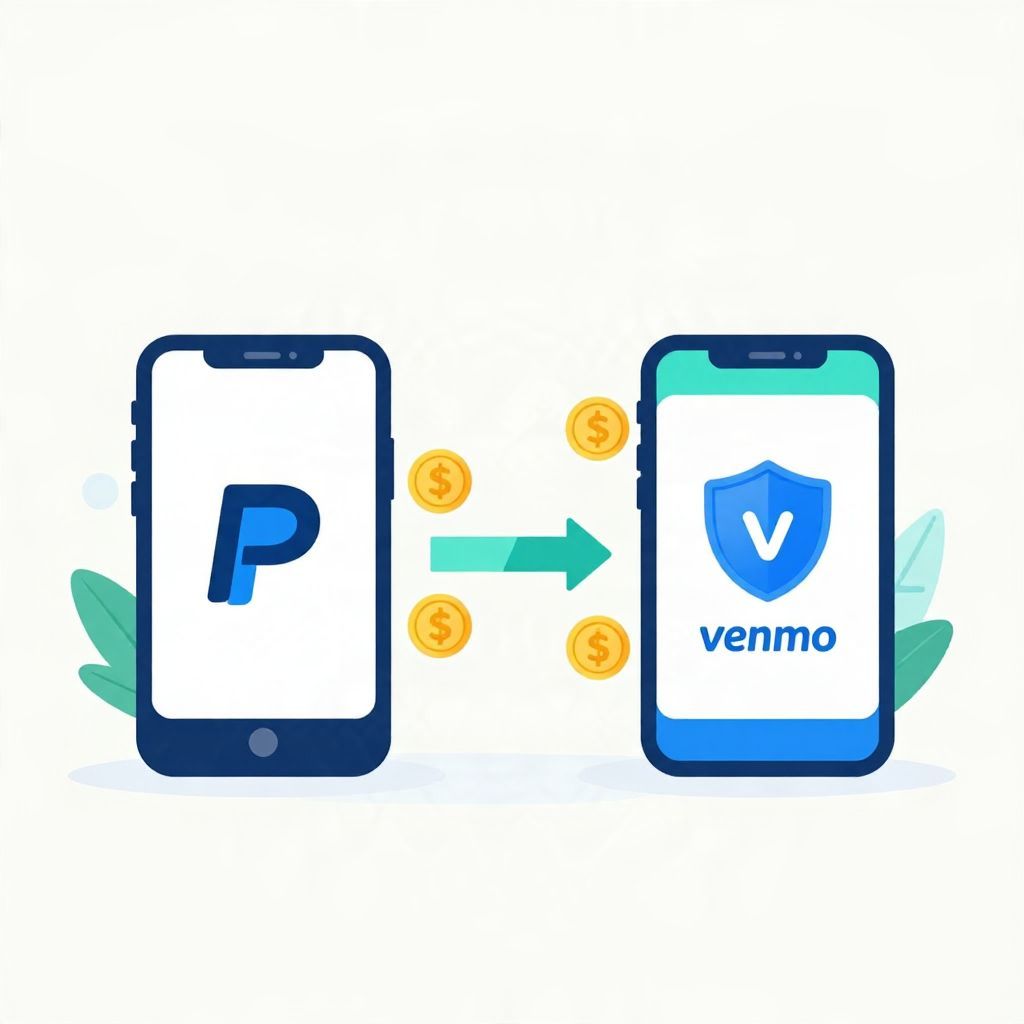
If you’re wondering, “Can I send money from PayPal to Venmo?” the short answer is: not directly. PayPal and Venmo are separate payment apps, and there usually isn’t a built-in transfer button to move money straight from one balance to the other.
That does not mean you are stuck. In many cases, you can move money indirectly by linking the same bank account or debit card to both apps, then cashing out from one and adding funds to the other. The exact steps, timing, and fees depend on your account settings and payment method.
Can I Send Money From Paypal To Venmo?
No, you generally cannot send money directly from PayPal to Venmo. They are different platforms, so a transfer usually has to go through an external funding source such as a bank account, debit card, or in some cases a linked card. Availability can vary by country and by account type.
How the transfer usually works
If you need to move funds between the two apps, the most common method is to use a shared bank account or debit card as the bridge. In simple terms, you withdraw money from PayPal to your bank, then add money from that same bank to Venmo, or you use a linked card if the app allows it.
Typical indirect transfer path
- Transfer money from PayPal to your bank account.
- Wait for the transfer to clear, which may take different amounts of time depending on the transfer option.
- Open Venmo and add funds from the same bank account or use the linked payment method.
This is not an instant “app-to-app” transfer, so plan for delays if you need the money quickly. If you are paying someone, it may be faster to choose one app and use that app’s balance or linked bank account directly.
Why there is no direct PayPal-to-Venmo transfer
PayPal and Venmo are separate services with separate account systems, even though both are used for digital payments. That means your balance in one app is not automatically available in the other. From a budgeting perspective, this separation can make money movement a little less convenient, but it also helps keep each account’s records distinct.
What this means for your money
- Your PayPal balance is not the same as your Venmo balance.
- Transfers usually depend on an external bank or card.
- Fees and transfer speeds may differ by method.
- Some features may not be available in every region.
Ways to move money between PayPal and Venmo
There are a few practical options, and the best one depends on how fast you need the money and whether you want to avoid fees.
1. Use a linked bank account
This is the most common method. If both apps are linked to the same bank account, you can move money out of PayPal and then add it to Venmo from that bank account. This is often the simplest approach for recurring transfers or everyday budgeting.
2. Use a debit card if supported
Some users can link a debit card to one or both apps. If supported, this can make funding faster than a standard bank transfer. However, card-based transfers may have limits or fees, so check the app’s transfer screen before confirming anything.
3. Cash out and re-add funds
If you keep a balance in PayPal, you may need to cash out to your bank first. Then, once the money arrives, you can add it to Venmo. This is usually the clearest method when you want to track every step of the transfer.
Fees, timing, and limits to watch
Before moving money, check the transfer details in both apps. Fees, transfer speed, and limits can change based on the funding source, transfer type, and your account profile. Since these conditions can vary, it is better to review the app screens than to assume every transfer will work the same way.
Common things that affect the transfer
- Transfer speed: Standard transfers may take longer than instant options.
- Fees: Some instant or card-based transfers may cost more.
- Limits: Daily or weekly limits may apply.
- Verification: New accounts may face extra checks or holds.
If you are managing a tight budget, fees matter. For example, a small transfer fee can be a meaningful percentage of a low balance. If you are moving $25 and paying a fee, the cost has a bigger impact than it would on a larger transfer. Always compare convenience against cost.
Step-by-step example of an indirect transfer
Here is a simple example using illustrative numbers only. Suppose you have $100 in PayPal and want that money available in Venmo.
- Transfer $100 from PayPal to your linked bank account.
- Wait for the funds to arrive in the bank account.
- Open Venmo and add $100 from the same bank account.
If either app charges a transfer fee, the amount that arrives or is available may be less than $100. For example, if you choose a faster transfer option with a fee, the net amount you receive is the gross amount minus the fee. That distinction matters when you are trying to cover a bill or send an exact payment.
When using a bank account is the safest choice
Using a bank account as the bridge is often the cleanest option because it creates a clear paper trail and reduces the chance of sending money to the wrong person. It also helps when you want to reconcile your spending, since you can see both the withdrawal from PayPal and the deposit into Venmo in your bank records.
Good reasons to prefer a bank transfer
- You want better recordkeeping for budgeting.
- You are moving a larger amount and want a familiar route.
- You want to avoid relying on a card transfer if it is unsupported or costly.
What to do if the transfer does not work
If you run into trouble, the issue is often one of three things: the accounts are not linked correctly, the funding source is not eligible, or the transfer is being held for security review. In some cases, the apps may ask you to verify your identity or confirm your bank details before allowing the transfer.
Quick troubleshooting checklist
- Confirm that the same bank account or card is linked correctly.
- Check whether the account is verified.
- Review transfer limits and available balance.
- Look for pending holds or failed transfers.
- Try a standard bank transfer if an instant option fails.
If a transfer fails repeatedly, it may be worth contacting the app’s support team. Keep screenshots, dates, and amounts handy so you can explain the issue clearly.
Security and fraud considerations
Whenever you move money between digital wallets, be careful with the recipient, account details, and transfer confirmation screens. A rushed tap can send money to the wrong person or use the wrong funding source. Since payment transfers are often hard to reverse, double-check before you submit.
Simple safety habits
- Verify the recipient name before sending money.
- Use strong passwords and two-factor authentication if available.
- Do not share login codes or account access.
- Review transaction history regularly for mistakes or unauthorized activity.
Tax and recordkeeping notes
Moving your own money between PayPal and Venmo is usually not the same as taxable income, but the tax treatment depends on why the money was received in the first place. If the funds came from selling goods, freelance work, or another taxable activity, the original payment may have reporting implications. Rules can vary by country and situation, so keep accurate records and consider professional tax guidance if needed.
Best practices for budgeting with PayPal and Venmo
If you use both apps regularly, it helps to assign each one a role. For example, you might use PayPal for online purchases and Venmo for splitting expenses with friends. That way, you reduce unnecessary transfers and lower the chance of paying extra fees or waiting on transfers.
A simple organization strategy
- Keep one primary bank account linked to both apps.
- Only transfer money when you actually need it.
- Track balances so you do not overspend in either app.
- Use notes or labels in your budget to separate personal and shared spending.
Bottom line
So, can I send money from PayPal to Venmo? Not directly in most cases, but you can usually move money indirectly through a linked bank account or supported card. The best method depends on speed, fees, and how you manage your budget. For more related guidance, see Can I Send Money From PayPal to Venmo and Can I Send Money From PayPal to Cash App.