
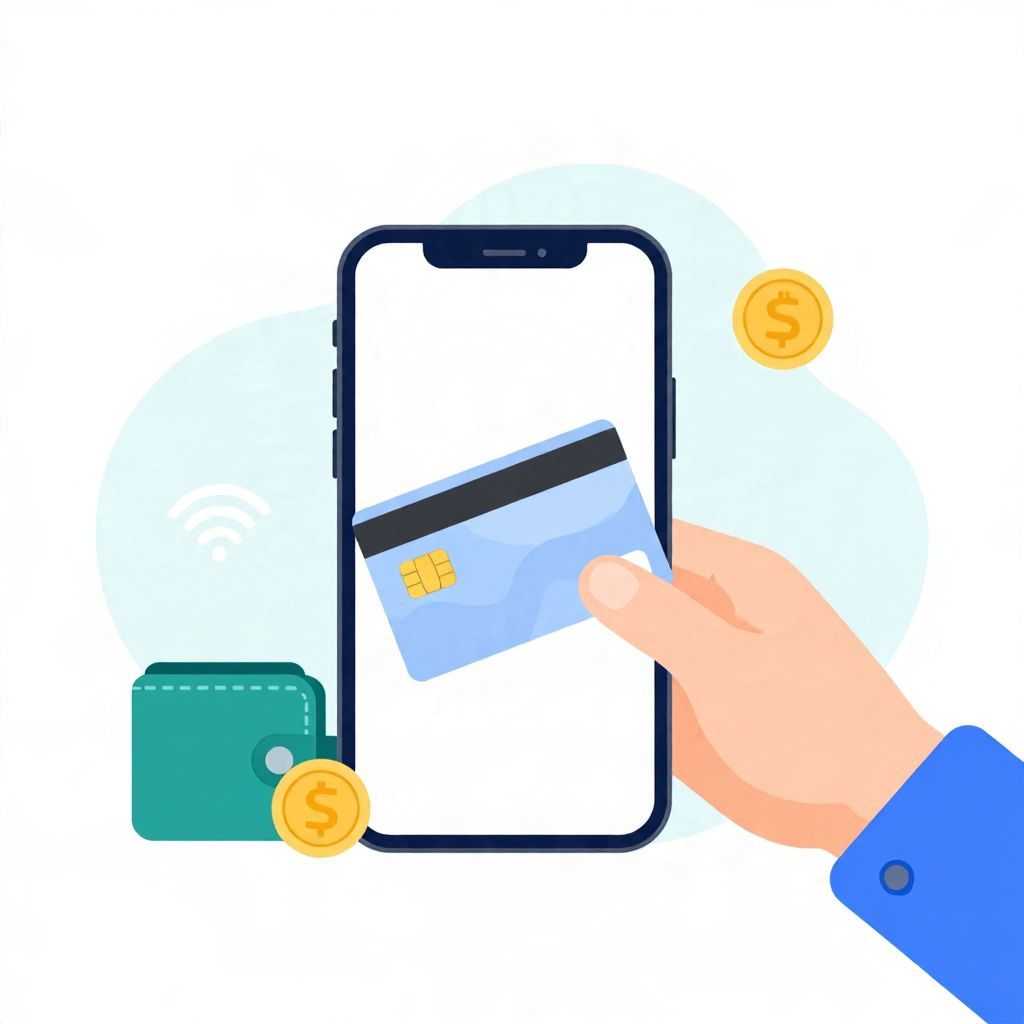
If you’re wondering, “Can I add a Visa gift card to Apple Pay?” the short answer is: sometimes, but not always. It depends on whether the gift card issuer allows digital wallet use and whether the card can be verified in Apple Wallet.
Many Visa gift cards are meant for in-store or online purchases only, and some cannot be added to Apple Pay at all. When they do work, you usually need to add the card through Apple Wallet and complete any verification steps the issuer requires.
Can I Add A Visa Gift Card To Apple Pay?
Yes, in some cases you can add a Visa gift card to Apple Pay, but it is not guaranteed. Apple Pay only works if the gift card issuer supports wallet enrollment and the card can pass verification. If the card is not eligible, Apple Wallet will usually reject it or fail during setup.
How Visa Gift Cards Work With Apple Pay
A Visa gift card is a prepaid card, not a checking account or credit card. That matters because Apple Pay is designed to store payment cards that can be authenticated and tokenized for digital use. Some prepaid cards are supported, while others are not.
Why some gift cards work and others do not
- Issuer rules: The company that issued the card may block digital wallet use.
- Activation status: The card must usually be activated before it can be added.
- Verification: Apple Wallet may need a billing address, phone number, or security check.
- Card balance and type: Some prepaid cards are limited to certain transaction types.
What Apple Pay is looking for
Apple Pay does not just store the card number. It tries to create a secure digital version of the card for contactless payments. If the card issuer does not allow that process, the setup will fail even if the card itself is valid for purchases elsewhere.
How To Try Adding A Visa Gift Card To Apple Wallet
If your Visa gift card may be eligible, the setup process is usually straightforward. The exact screens can vary by device and iOS version, but the general steps are similar.
- Open the Wallet app on your iPhone.
- Tap the + button to add a new card.
- Choose the option to add a debit or prepaid card, if shown.
- Enter the card details manually or scan the card.
- Follow the verification prompts.
- Wait for confirmation that the card was added successfully.
Information you may need
- Card number
- Expiration date
- Security code
- Name on the card, if applicable
- Billing address or ZIP/postal code, if required
If the card is not accepted, the issue may be with the card’s terms rather than your phone. In that case, trying again usually will not help unless the issuer confirms digital wallet support.
Common Reasons A Visa Gift Card Won’t Add
There are several common reasons a Visa gift card may fail to load into Apple Pay. Knowing them can save time and prevent confusion.
1. The card is not eligible for digital wallets
Some prepaid Visa gift cards are designed only for physical or online purchases. If wallet support is not part of the card program, Apple Pay cannot override that restriction.
2. The card has not been properly activated
Many gift cards must be activated before use. If activation is incomplete, Apple Wallet may not recognize the card as ready for enrollment.
3. The issuer requires extra verification
Some cards need a registered billing address or identity check before they can be added. If the issuer’s records are incomplete, verification may fail.
4. The card balance is too low for certain checks
In some cases, issuers or payment systems place a small temporary authorization on the card during verification. If the available balance is very low, that check may fail even though the card still has funds.
5. The card is restricted by country or region
Digital wallet support can vary by country, issuer, and card program. A card that works in one region may not work in another. If you are outside the United States, check the local card terms and Apple Pay availability in your country.
Can You Use A Visa Gift Card In Apple Pay After Adding It?
If the card is successfully added, you may be able to use it for contactless payments anywhere Apple Pay is accepted. However, prepaid cards can still have limitations. For example, some merchants may not accept split payments, and some transactions may be declined if the card balance is not enough.
Watch for balance issues
Visa gift cards usually cannot go into a negative balance. If a purchase is larger than the remaining amount, the transaction may be declined unless the merchant allows you to combine payment methods.
Examples of possible outcomes
- Example 1: You have a $25 Visa gift card and try to buy a $20 item. The payment may work if the merchant accepts prepaid Apple Pay transactions.
- Example 2: You have a $25 balance and try to buy a $30 item. The card may be declined unless the store lets you pay the difference another way.
- Example 3: You try to use the card for an online subscription with recurring charges. Many gift cards are not suitable for recurring billing.
What To Do If Apple Pay Won’t Accept The Card
If your Visa gift card will not add to Apple Pay, there are still practical ways to use it. The best option depends on the card rules and the kind of purchase you want to make.
Use it directly for in-store or online purchases
Most Visa gift cards can still be used like a regular prepaid card at checkout, even if they cannot be added to Apple Pay.
Check the card’s terms and support page
Look for wording about digital wallets, mobile payments, or Apple Pay support. If the card issuer provides a customer service number, they may be able to confirm whether wallet enrollment is allowed.
Make sure the card is registered, if required
Some gift cards need a registered name and billing address before online or wallet use is possible. Registration rules vary by issuer.
Use the card to pay down a purchase balance
If a merchant allows split tender, you may be able to use the gift card for part of the total and another payment method for the rest. This is common in some stores but not all.
Important Limits To Keep In Mind
Visa gift cards can be useful budgeting tools, but they are not as flexible as debit or credit cards. Before relying on one in Apple Pay, it helps to understand the trade-offs.
- Expiration and fees: Some gift cards have fees or expiration rules, depending on the issuer and local laws.
- No credit-building: A prepaid gift card does not build credit history.
- No overdraft protection: If the balance is gone, the card stops working.
- Merchant restrictions: Certain merchants, such as hotels, car rentals, or subscription services, may not accept prepaid cards.
Is It Better To Use Apple Pay Or The Physical Gift Card?
If both options are available, Apple Pay can be more convenient because you do not need to carry the card. It may also be easier to tap and pay quickly at checkout. But the physical card can still be useful if the digital version is not supported or if a merchant has trouble processing prepaid cards through a mobile wallet.
Choose Apple Pay if:
- The card adds successfully.
- You want faster contactless checkout.
- You prefer keeping the physical card at home.
Use the physical card if:
- The issuer does not support Apple Pay.
- The card is rejected during verification.
- You need a backup payment method for balance-sensitive purchases.
Frequently Asked Questions
Can I add a Visa gift card to Apple Pay on an iPhone?
Sometimes, yes. The card must be eligible for wallet use and pass Apple’s verification process. If the issuer does not support it, the card will not add.
Can I add a Visa gift card to Apple Pay on an Apple Watch?
Usually, the card must first be added to Apple Wallet on your iPhone before it can be used on an Apple Watch. If the card cannot be added to Wallet, it will not work on the watch either.
Can I use a Visa gift card for Apple subscriptions?
Often no. Many gift cards are not ideal for recurring billing because the balance may run out or the merchant may require a standard debit or credit card.
Does Apple Pay charge a fee for adding a gift card?
Apple Pay itself does not normally charge a fee to add a card, but the gift card issuer may have its own fees or restrictions. Those terms depend on the card program.
Bottom Line
So, can I add a Visa gift card to Apple Pay? Sometimes, but only if the card issuer supports digital wallet enrollment and the card can be verified in Apple Wallet. If it does not work, the card may still be usable directly for purchases. For more help, see Can I Add A Visa Gift Card To Apple Pay and How to Add Visa Gift Card to Apple Wallet.