
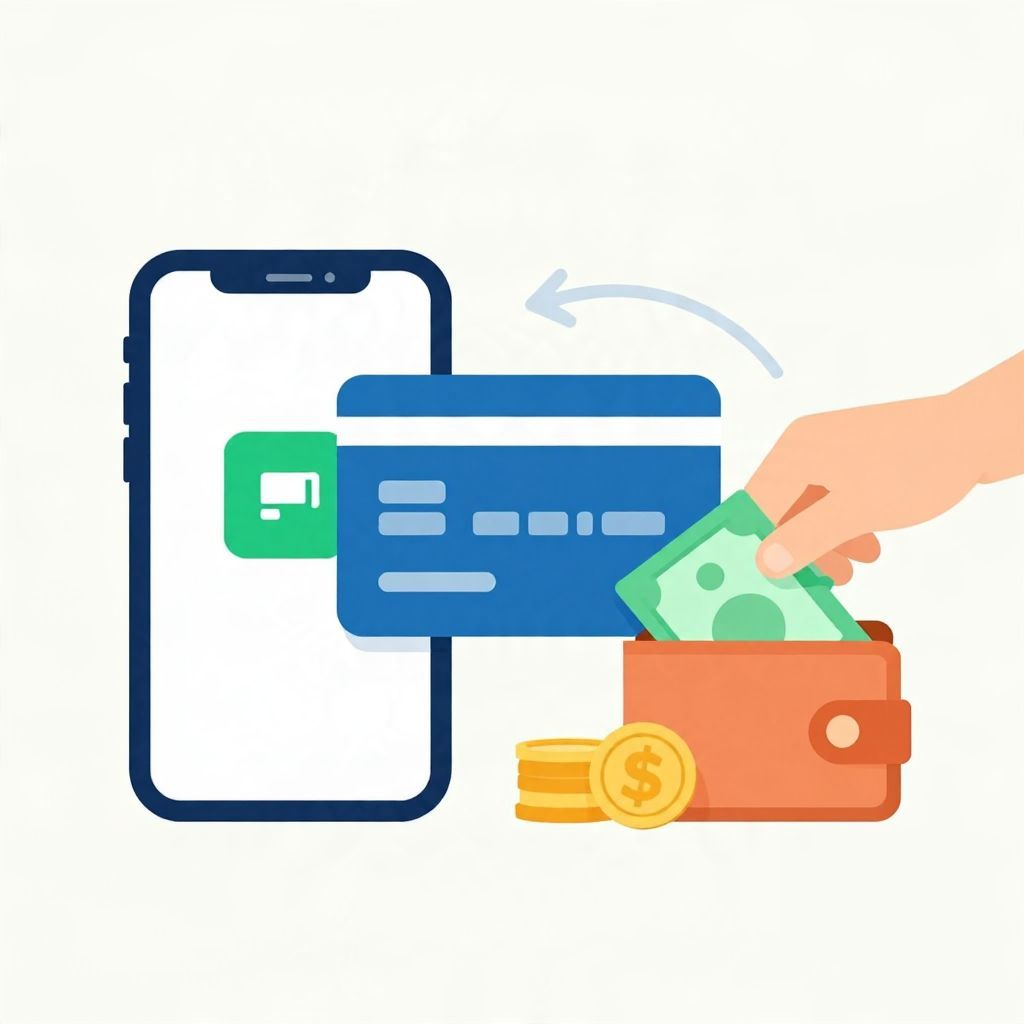
If you want to know how to add cash to Cash App Card, the key thing to understand is that you usually do not load paper cash directly onto the card yourself. Instead, you add money to your Cash App balance through supported methods, then use the Cash App Card to spend that balance. Availability can vary by location and account settings.
Below, you’ll find the basic steps, common funding options, and a few practical tips to avoid failed transfers, delays, or fees.
How To Add Cash To Cash App Card
You generally add money to your Cash App balance, not directly to the card. Open Cash App, tap the banking or balance section, choose Add Cash, enter the amount, and confirm. If your account supports it, you can fund Cash App from a linked debit card or bank account, then spend with your Cash App Card.
Step-by-Step: How To Add Cash To Cash App Card
1. Open Cash App and sign in
Start by opening the app on your phone and logging into your account. Make sure you are using the official app and that your account is in good standing. If you have not completed identity verification or security setup, some features may be limited.
2. Go to your balance or banking tab
Look for the section that shows your Cash App balance or banking tools. This is where you can manage money in the app, including adding funds and reviewing recent activity.
3. Tap “Add Cash”
Select the Add Cash option. You will usually be asked to enter the amount you want to add. Double-check the number before confirming, since transfers may be difficult to reverse once they are processed.
4. Choose your funding source
If your account allows it, Cash App may let you add money from a linked debit card or bank account. The exact options available depend on your account, region, and the app’s current features. Some users may also be able to receive direct deposits or transfers from other people into their Cash App balance.
5. Confirm the transfer
Review the amount, funding source, and any on-screen details. Then confirm the transfer. In many cases, the money appears in your Cash App balance quickly, but timing can vary based on the payment method and processing rules.
6. Use your Cash App Card to spend the balance
Once the balance is available, your Cash App Card can be used for purchases where the card is accepted. The card draws from your Cash App balance, so keeping enough money in the app helps avoid declined transactions.
Can You Load Physical Cash Onto a Cash App Card?
In many cases, you cannot simply hand cash to a cashier and have it loaded directly onto the Cash App Card the way you might with some prepaid cards. Cash App’s funding methods depend on the features available to your account and region. If you have physical cash, you may need to deposit it into a bank account first, then move it into Cash App if supported.
Common alternatives for paper cash
- Deposit cash into a bank account, then transfer funds to Cash App.
- Receive money from another person through Cash App.
- Use a supported debit card or linked bank account to add funds.
Because cash handling options can vary, it is best to check the app’s current deposit and transfer features rather than assuming every method is available.
What You Need Before Adding Money
A verified account
Some transfer and card features may require identity verification. If the app asks for personal details, this is often part of fraud prevention and account security.
A linked payment source
If you plan to add cash from a bank account or debit card, you may need to link that account first. Make sure the name on the funding source matches your Cash App profile when required.
Enough available funds
If you are using a linked debit card or bank account, make sure there is enough available money to cover the transfer. If not, the transaction may fail or be returned.
Helpful Tips To Avoid Problems
Check transfer limits
Cash App may place limits on how much you can add, send, or receive. These limits can depend on verification status, account history, and other factors. If you try to add more than allowed, the transfer may be declined.
Watch for fees
Some transfers may be free, while others can involve fees depending on the funding method or transfer speed. Always review the confirmation screen before completing the transaction so you understand the total cost.
Use accurate bank details
If you link a bank account, enter the routing and account information carefully. A typo can cause failed transfers or delays. If you are unsure, verify the details directly with your bank.
Keep your app updated
App updates can affect how features look and work. If you cannot find the option you need, updating the app may help. It can also improve security and reduce technical issues.
Be cautious with unfamiliar payment requests
Only add money or send payments to people and requests you trust. Payment apps can be convenient, but mistaken transfers, scams, and social engineering are difficult to undo.
How Long Does It Take?
Timing depends on the funding source and transfer type. Some additions may show up almost immediately, while others can take longer to process. Bank transfers, card transfers, and peer-to-peer payments may each follow different settlement timelines.
If your money does not appear right away, check the transaction status in the app, confirm the funding source had sufficient funds, and wait for any pending transfer to clear before trying again.
What If the Transfer Fails?
If adding cash does not work, the issue is often related to one of a few common causes:
- Insufficient funds in the linked account
- Incorrect card or bank details
- Transfer limits reached
- Temporary app or network issues
- Security review or account restriction
Start by reviewing the error message, then check your linked payment method and account status. If the problem continues, you may need to contact in-app support for help.
Is There a Difference Between Cash App Balance and Cash App Card?
Yes. Your Cash App balance is the money stored in your account inside the app. Your Cash App Card is a debit card that lets you spend that balance in stores or online. In simple terms, the balance is the money; the card is the spending tool.
This distinction matters because adding cash usually means increasing your in-app balance, which the card then uses for purchases.
Example: How the Money Flows
Suppose you add $50 from a linked debit card into your Cash App balance. After the transfer is confirmed, that $50 becomes available in the app. If you later buy groceries for $18 with the Cash App Card, your balance would drop to $32, assuming no other transactions or fees.
This is only an illustration. Actual timing, availability, and fees can differ based on your account and payment method.
When To Be Extra Careful
Be especially careful if you are using Cash App for rent, bills, business expenses, or urgent payments. Payment apps can be convenient, but they are not a substitute for a fully controlled bank transfer in every situation. If a payment is time-sensitive, confirm the recipient’s details and allow extra time for processing.
You should also think about recordkeeping. Save receipts or screenshots of important transfers in case you need to reconcile spending, prove payment, or resolve a dispute later.
Bottom Line
To add cash to Cash App Card, you usually add money to your Cash App balance first, then spend it with the card. The exact steps and available funding methods depend on your account and region, so check the app’s current options, confirm any fees, and verify details before sending money. For related help, see how to unlock Cash App Card and how to use Afterpay on Cash App.