
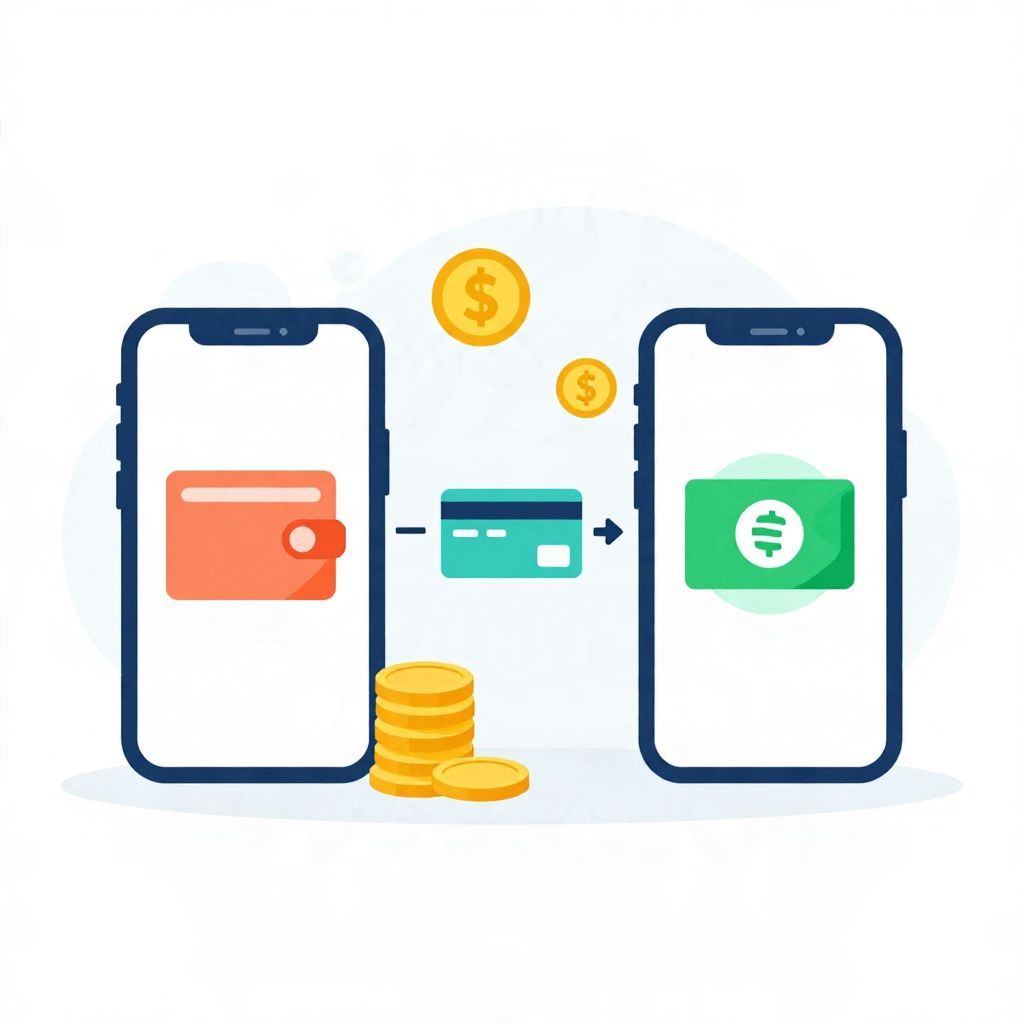
If you want to move money from Apple Pay to Cash App, the main thing to know is that there is usually no direct transfer button between the two apps. In most cases, you need to move the money from Apple Pay to a linked bank account or debit card first, then add it to Cash App.
This guide explains the practical ways to do that, what fees or delays may apply, and what to do if your balance is in Apple Cash rather than a bank card. The exact steps can vary by device, account type, and country, so always check the screens in your app before confirming a transfer.
How To Send Money From Apple Pay To Cash App
You generally cannot send money directly from Apple Pay to Cash App in one step. The usual workaround is to transfer your Apple Cash balance to your bank account or debit card, then use that bank account or card to add money to Cash App. If you only have a payment card saved in Apple Pay, you may be able to add that same card to Cash App instead.
What Apple Pay and Cash App can and cannot do
Apple Pay is a digital wallet that can store cards and, in some regions, support Apple Cash. Cash App is a separate peer-to-peer payment app with its own balance, linked bank account options, and debit card features. Because they are different systems, money does not always move directly between them.
Important distinction: Apple Pay vs. Apple Cash
- Apple Pay is the wallet interface used to pay with cards on your iPhone, Apple Watch, or other Apple devices.
- Apple Cash is the balance that may sit inside Apple’s payments ecosystem after receiving money from others.
- If you only have a debit or credit card stored in Apple Pay, that is not the same as having a transferable cash balance.
Why this matters
If your goal is to move spendable funds, the path depends on where the money actually sits. A card in Apple Pay is just a payment method. Apple Cash is a balance you may be able to transfer out. Cash App can receive money from linked bank accounts or eligible cards, but not from Apple Pay as a wallet itself.
Step-by-step: move Apple Cash to Cash App using a bank account
The most reliable method is to send your Apple Cash balance to your bank account first, then move the money into Cash App. This is the cleanest option when you want to keep the transfer traceable and avoid card compatibility issues.
- Open the Wallet app on your iPhone.
- Tap your Apple Cash card.
- Select the option to transfer to bank.
- Choose either an instant transfer or a standard transfer, if available.
- Confirm the amount and complete the transfer.
- Wait for the funds to arrive in your bank account.
- Open Cash App and add money from that linked bank account.
What to watch for
- Transfer speed: Standard transfers may take longer than instant transfers.
- Fees: Instant transfers often have a fee, while standard transfers may be free. The exact fee depends on the provider and current terms.
- Limits: Apps may limit how much you can transfer at one time or over a period.
Alternative method: use a debit card linked in Apple Pay and Cash App
If the same debit card is already linked to your Apple Pay setup, you may be able to add that card to Cash App and use it to fund your Cash App balance or make payments. This does not move money directly from Apple Pay, but it can accomplish the same goal if the card is eligible.
How to try it
- Open Cash App.
- Go to the section for linked cards or banking.
- Add your debit card details manually if needed.
- Verify the card if Cash App asks for confirmation.
- Use the card to add funds or send money, depending on your account options.
When this may not work
- Some prepaid cards are not supported.
- Some credit cards may be restricted for adding cash or may trigger cash-advance treatment by the card issuer.
- The card must be accepted by Cash App and your card issuer must allow the transaction.
Can you send money directly from Apple Pay to Cash App?
In most cases, no. Apple Pay is not usually a direct funding source for Cash App transfers. If you see a way to use a card stored in Apple Pay, that is different from sending money from Apple Pay itself. Think of Apple Pay as the wallet and Cash App as the destination app.
Simple rule of thumb
- Apple Cash balance: usually transferable to a bank account first.
- Debit card in Apple Pay: may be usable in Cash App if the card is supported.
- Apple Pay wallet: generally not a direct transfer source to Cash App.
How long does the transfer take?
Timing depends on the transfer method you choose and the receiving institution. A standard bank transfer may take one to several business days, while an instant transfer can be much faster but may cost a fee. Cash App transfers from a linked bank account can also vary in speed depending on bank processing and account verification.
Example timeline
- Day 1: Transfer Apple Cash to bank account.
- Day 1 or 2: Funds arrive, depending on the transfer method.
- Day 1 to 3: Add money from the bank account to Cash App, depending on bank processing.
This is only an example. Actual timing can be longer if your account is new, your bank places holds, or extra verification is required.
Fees, limits, and possible delays
Before moving money, check the fee and limit screens in both apps. Small transfer costs can matter if you move money often, and limits can affect how much you can send in a day or week. Because policies change, it is safest to confirm the current terms inside the app instead of relying on old information.
Common reasons transfers fail or slow down
- The bank account is not fully linked or verified.
- The debit card is unsupported or expired.
- The name on the account does not match.
- The transfer exceeds a limit.
- The app flags the transaction for security review.
Security tips before moving money
Whenever you move money between apps, use caution. Digital payment accounts can be targeted by scams, phishing messages, and account takeovers. A few careful steps can reduce the risk of accidental loss.
- Only use the official Apple and Cash App apps.
- Double-check the recipient account and transfer amount before confirming.
- Use strong passwords and two-factor authentication where available.
- Avoid sending money based on urgent messages from strangers.
- Review your transaction history regularly for anything unfamiliar.
What if the money is in someone else’s Apple Pay?
If another person wants to pay you, they typically need to send the money to you through a method both of you support. They may be able to pay your Apple Cash address if that feature is available, or they may need to send money to your bank-linked Cash App account instead. You cannot usually pull money from someone else’s Apple Pay wallet into your Cash App.
Practical example of the transfer process
Suppose you have $75 in Apple Cash and want it in Cash App. One common route is to transfer the $75 from Apple Cash to your bank account, wait for it to settle, then open Cash App and add $75 from that bank account. If you choose instant transfer and your provider charges a fee, the amount that arrives in your bank account may be slightly less than $75 after fees.
Why this example matters
This shows the difference between the gross amount and the net amount. Gross amount is the full $75. Net amount is what remains after any transfer fee. Always confirm the final amount before approving the transaction.
When to contact support
If your transfer is stuck, missing, or rejected, contact the relevant app support team through the app’s help section. Have the following ready:
- The transfer amount
- The date and time of the transfer
- Whether you used bank transfer or card transfer
- Any error message shown
- A screenshot if available
If the money was withdrawn from one app but never appeared in the other, support can help trace the transaction. Keep in mind that resolution times vary and may depend on the payment network and bank involved.
Bottom line
The simplest answer to how to send money from Apple Pay to Cash App is that you usually cannot do it directly. Instead, move Apple Cash to a bank account first, then load Cash App from that bank account, or use a supported debit card already linked to both services. If you want more step-by-step payment help, you may also find how to transfer money from bank account to Cash App instantly and how to add cash to Cash App card useful.