
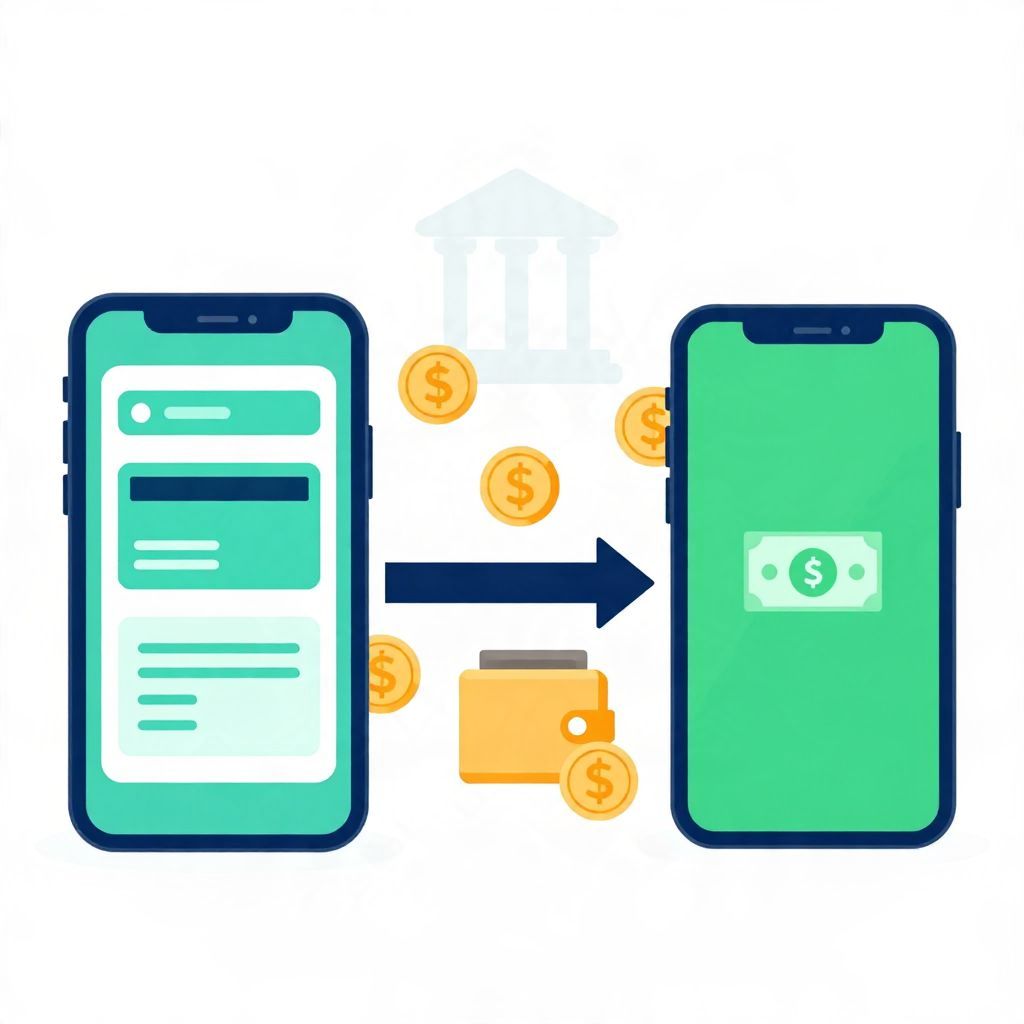
If you use both Chime and Cash App, you may be wondering whether you can move money between them. The short answer is yes, but usually not by sending directly from one app to the other.
In most cases, you transfer money from Chime to your linked bank account or debit card, then add that money to Cash App. The exact steps, speed, and fees can depend on how your accounts are set up and which transfer method you choose.
Can You Send Money From Chime To Cash App?
Yes, you can usually move money from Chime to Cash App, but the transfer typically happens in two steps: first from Chime to a linked bank account or debit card, then from that funding source into Cash App. Direct app-to-app transfers are generally not the standard method.
How the transfer usually works
Chime and Cash App are separate financial services, so they do not usually function like one shared wallet. Instead, you connect an external account or card and move funds through that link.
Common transfer paths
- Chime to linked bank account: Move money out of Chime, then use that bank account to fund Cash App.
- Chime debit card to Cash App: If Cash App accepts your Chime debit card, you may be able to add cash using the card as a funding source.
- Cash App Cash Card: If you have a Cash App card, you may be able to add money through supported methods inside the app.
Why the method matters
The route you use can affect transfer speed, convenience, and fees. A standard bank transfer may be slower but cheaper, while debit-card-based transfers may be faster but can sometimes involve limits or charges depending on the platform and transfer type.
Step-by-step: moving money from Chime to Cash App
If you want to use Chime funds in Cash App, the process is usually straightforward once your accounts are linked. The exact buttons and labels may vary by app version and region, so always follow the prompts shown inside the app.
- Check your Chime balance. Make sure you have enough available funds to cover the transfer.
- Link a transfer method. This may be your Chime debit card or an external bank account connected to Chime.
- Move money out of Chime. Transfer the amount you want to use into the linked account or through an available card funding method.
- Open Cash App. Go to the area where you can add cash or add money.
- Choose your funding source. Select the linked bank account or debit card that now holds the funds.
- Confirm the amount. Review the transfer details before submitting.
What to know about transfer speed and fees
Transfer speed and fees are not the same for every user. They can depend on whether you use a standard bank transfer, a debit card, or an instant transfer option. Because policies can change, it is best to review the fee screen in each app before confirming the transaction.
Possible timing differences
- Standard transfers: Often take one to several business days.
- Instant transfers: May arrive faster, but usually come with a fee.
- Card-based funding: Can be quicker in some cases, but not every card or account will be eligible.
Possible costs to watch for
- Instant transfer fees
- Card funding fees, if applicable
- Overdraft or insufficient-funds issues if your balance is too low
- Foreign transaction or currency conversion fees if you are outside the U.S. or using a cross-border transaction
Can you link Chime directly to Cash App?
In many cases, yes, you can link a Chime debit card or an eligible bank account to Cash App, but linking does not always mean every transfer method will work the same way. Some users can add funds smoothly, while others may need to use an intermediate bank account or another supported funding source.
Things that can affect linking
- The type of Chime account you have
- Whether you are using a debit card or bank account link
- Whether Cash App supports that specific funding method
- Verification requirements inside either app
- Regional availability and account eligibility
Common problems and how to fix them
If your transfer does not go through, the issue is often a simple account or verification problem rather than a permanent block. Start by checking the basics before trying again.
1. The card or account is not accepted
Not every debit card or bank link is supported for every type of transfer. If your Chime card is rejected in Cash App, try linking a bank account instead, or use the transfer method that the app specifically allows.
2. The names do not match
Financial apps often require the account holder name to match across services. If the name on your Chime account and Cash App profile differs, transfers may fail or be delayed.
3. Your transfer limit has been reached
Both apps may have daily, weekly, or transaction-based limits. These limits can vary by account type, verification status, and risk controls. If you hit a limit, you may need to wait before trying again.
4. There are not enough available funds
Remember to use available balance, not just pending deposits. A pending direct deposit or card transaction may not be usable yet.
5. Security checks are triggered
Apps may pause transfers for fraud prevention. If that happens, follow the verification steps shown in the app rather than repeatedly retrying the transfer.
Best practices before you transfer money
A few simple checks can help you avoid failed transfers, unnecessary fees, or delays. These steps are especially useful if you are moving money for bills, rent, or a time-sensitive purchase.
- Confirm the exact amount. Do not transfer more than you need.
- Check available balance. Make sure the funds are cleared and usable.
- Review fees first. Compare standard versus instant transfer costs.
- Use a secure network. Avoid public Wi-Fi when handling banking details.
- Save confirmation details. Keep records in case you need to track the transfer.
Is it better to use a bank account in the middle?
For many people, yes. Using a linked bank account as the middle step can be more reliable than trying to move money directly from one app-linked card to another app. It may take longer, but it often reduces compatibility issues.
When a bank account may be the better choice
- You want a more predictable transfer path
- Your debit card is not accepted by Cash App
- You are moving a larger amount and want to avoid failed card transfers
- You prefer standard bank transfer records for budgeting or tracking
When a card transfer may be more convenient
- You need money available faster
- Your card is eligible and accepted
- The transfer amount is small and you are comfortable with any applicable fee
Example: how the transfer might look
Suppose you have $100 in Chime and want to use it in Cash App. One possible route is to transfer the $100 from Chime to your linked bank account, then add that same $100 to Cash App from that bank account. If an instant option charges a fee, the amount that arrives or remains available may be less than the original $100 after fees.
This is only an example. Actual timing, eligibility, and fees depend on the transfer method and the apps’ current rules.
Taxes, records, and money movement
Moving your own money between accounts is usually not taxable by itself, but records still matter. If you use Cash App for selling goods, freelance work, or other income, that money may have separate tax reporting rules depending on your country and the type of transaction.
If you are unsure whether a transfer is personal or business-related, keep clear notes. That can help with budgeting, bookkeeping, and tax preparation later.
The bottom line
Can you send money from Chime to Cash App? Usually yes, but most people do it indirectly by moving money through a linked bank account or eligible debit card rather than by sending it straight from one app to the other. Check transfer fees, limits, and eligibility before you confirm anything, especially if you need the money quickly.
If you want to keep learning, you may also find these guides useful: how to add cash to a Cash App card and sending money from PayPal to Cash App.