
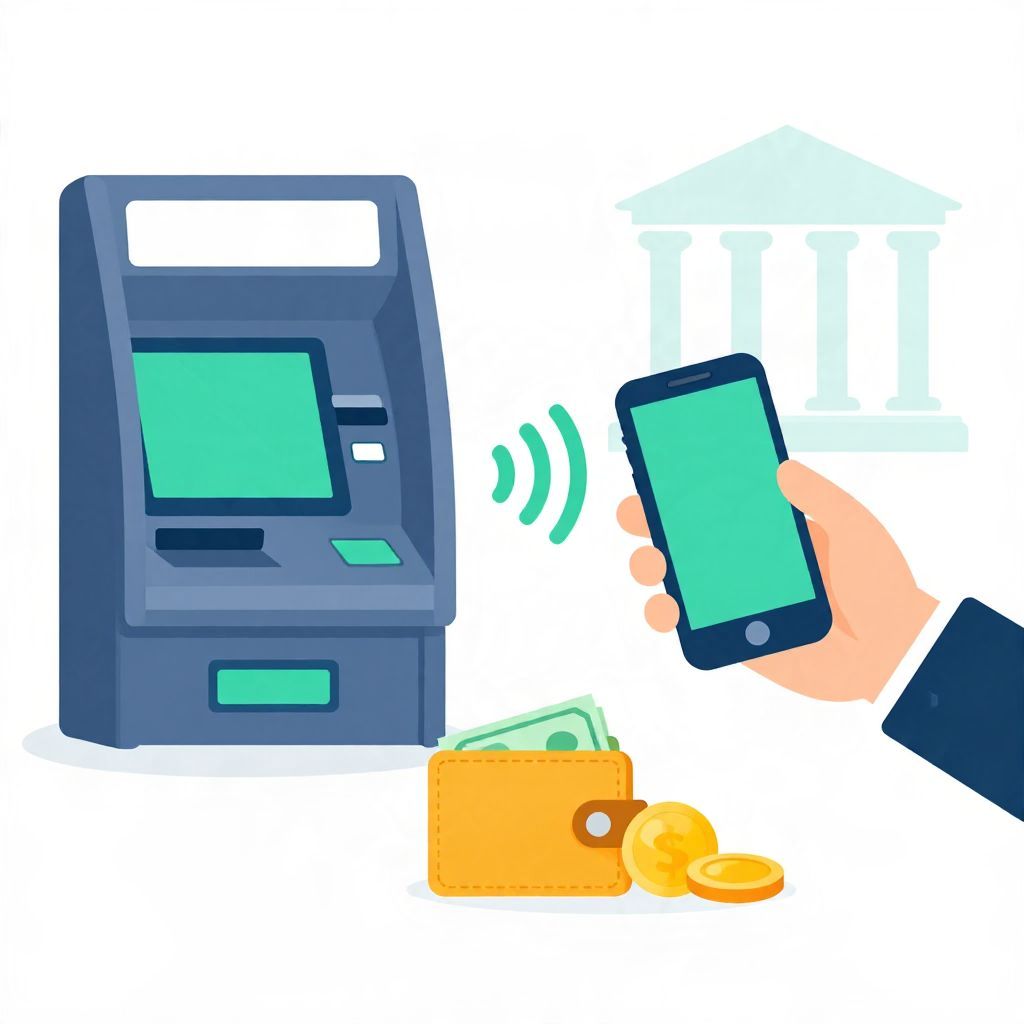
Wondering whether you can use Apple Pay at an ATM? The short answer is: sometimes, yes. It depends on whether the ATM supports contactless card payments or mobile wallet access, and whether your bank allows cash withdrawals that way.
If the ATM does not support tap-to-pay or digital wallet transactions, Apple Pay will not work there. Even when it does, you may still need to enter your debit card PIN or follow your bank’s security steps.
Do Atms Take Apple Pay?
Some ATMs do take Apple Pay, but only if they are equipped for contactless withdrawals and your bank supports the feature. In practice, you can usually tell by looking for the contactless symbol on the ATM. If the machine only accepts a physical card, Apple Pay will not be an option.
How Apple Pay Works at an ATM
Apple Pay is a mobile wallet that stores your card details securely on your device. At a compatible ATM, you may be able to hold your iPhone or Apple Watch near the contactless reader instead of inserting a card. The ATM then checks your payment credentials and may ask for your PIN or another verification step.
What you typically need
- An iPhone or Apple Watch set up with Apple Pay
- A debit card linked to Apple Pay
- An ATM that supports contactless or mobile wallet withdrawals
- Your card PIN, if the ATM requires it
What usually happens at the machine
- Wake the ATM and choose the withdrawal option.
- Tap your device on the contactless reader if prompted.
- Authenticate with Face ID, Touch ID, or your passcode.
- Enter your PIN if the ATM asks for it.
- Select the amount and complete the withdrawal.
How to Tell Whether an ATM Accepts Apple Pay
The easiest sign is the contactless symbol on the ATM. Many machines that support tap payments also display logos for mobile wallets or contactless card use. If you do not see those symbols, the ATM may still work with Apple Pay in some cases, but you should not assume it will.
Look for these signs
- A contactless payment icon near the card reader
- On-screen instructions mentioning tap, wallet, or NFC
- Bank branding that mentions mobile wallet access
- A reader designed for tapping rather than inserting a card first
If you are unsure, check your bank’s app or website, or contact customer support before relying on the ATM for cash.
Why Apple Pay May Not Work at Every ATM
ATM technology varies by bank, region, and machine model. Some ATMs are updated for contactless use, while others still rely on chip cards, magnetic stripe cards, or both. Even at a compatible ATM, your bank may limit which accounts or withdrawal types can be accessed through Apple Pay.
Common reasons for failure
- The ATM does not support contactless transactions
- Your debit card is not enabled for Apple Pay
- The bank blocks mobile wallet withdrawals for security reasons
- The ATM is malfunctioning or temporarily offline
- Your device is not authenticated properly
Is It Safe to Use Apple Pay at an ATM?
Apple Pay is generally considered secure because it uses device authentication and tokenization instead of exposing your actual card number. That said, safety also depends on the ATM itself, the surrounding area, and how carefully you protect your phone or watch.
Security benefits
- Your card number is not typically shared with the ATM in plain form
- Face ID, Touch ID, or a passcode helps confirm it is really you
- Losing your physical wallet does not necessarily expose your card details
Practical safety tips
- Use ATMs in well-lit, secure locations
- Check the machine for signs of tampering before tapping
- Shield your PIN when entering it
- Keep your device locked when not in use
- Review account activity after the withdrawal
Fees, Limits, and Bank Rules to Watch For
Using Apple Pay at an ATM does not automatically change the normal banking rules. You may still face your bank’s withdrawal limits, ATM operator fees, or out-of-network charges. These depend on the bank, the ATM owner, your account type, and where the machine is located.
Possible costs
- ATM surcharge from the machine owner
- Out-of-network fee from your bank
- Daily cash withdrawal limit from your account
- Foreign transaction or currency conversion fees if abroad
For example, if your bank allows a $500 daily withdrawal limit, Apple Pay will not override that limit. If the ATM charges a fee, you may still pay it unless your bank reimburses ATM fees under your account terms.
What to Do If Apple Pay Is Not Working at the ATM
If your device is not being recognized, do not keep trying the same step repeatedly. First, confirm that the ATM supports contactless use and that your card is active in Apple Pay. Then try basic troubleshooting before assuming there is a problem with your bank account.
Simple troubleshooting steps
- Make sure your iPhone or Apple Watch is unlocked and ready.
- Hold the device close to the contactless reader.
- Try a different angle or a slightly longer tap.
- Check whether the ATM asks for a physical card instead.
- Use another ATM if the machine appears incompatible.
If the problem continues, use your physical debit card or ask your bank whether mobile wallet ATM access is enabled on your account.
Can You Withdraw Cash Without a Physical Card?
At some banks and ATMs, yes. If the machine supports contactless access, you may be able to withdraw cash with Apple Pay even if you left your wallet at home. But this is not universal, and it is not a guarantee that every ATM in every location will allow it.
When cardless access is most likely
- The ATM belongs to the same bank as your debit card
- The bank has enabled mobile wallet withdrawals
- The ATM has NFC or contactless hardware
- Your account is in good standing
Apple Pay vs. a Debit Card at the ATM
For most people, both methods are functionally similar: you are still withdrawing money from a linked checking account or debit account. The main difference is the way you authenticate. Apple Pay can be more convenient if you do not carry your physical card, while a debit card may work at more ATMs.
Trade-offs to consider
- Apple Pay: convenient, device-based, depends on compatibility
- Debit card: widely accepted, but easier to misplace or skim
- Both: may still require a PIN and may face the same fees
Does This Work the Same Everywhere?
No. ATM access rules vary by country, bank, and even by individual machine. In some places, contactless ATM withdrawals are common; in others, they are still limited. If you are traveling, check with your bank before assuming Apple Pay will work abroad.
Currency also matters. If you withdraw cash in another currency, the exchange rate and any conversion fee will depend on your card issuer and the ATM operator. Those costs are separate from whether Apple Pay works at the machine.
Best Practices Before You Head to the ATM
If you want to avoid surprises, a little preparation helps. Checking compatibility first can save time and prevent failed attempts at the machine.
- Confirm your debit card is added to Apple Pay
- Know your PIN before you leave
- Check your bank’s withdrawal limits
- Look for contactless symbols on the ATM
- Keep a backup payment method in case Apple Pay is not supported
The Bottom Line
Do ATMs take Apple Pay? Sometimes, yes—but only at compatible machines and only if your bank allows it. If the ATM has contactless capability, Apple Pay can be a convenient cardless way to withdraw cash. If not, you will need a physical debit card or another withdrawal method. For more related reading, see can you use Apple Pay at an ATM and does Dollar General accept Apple Pay.