
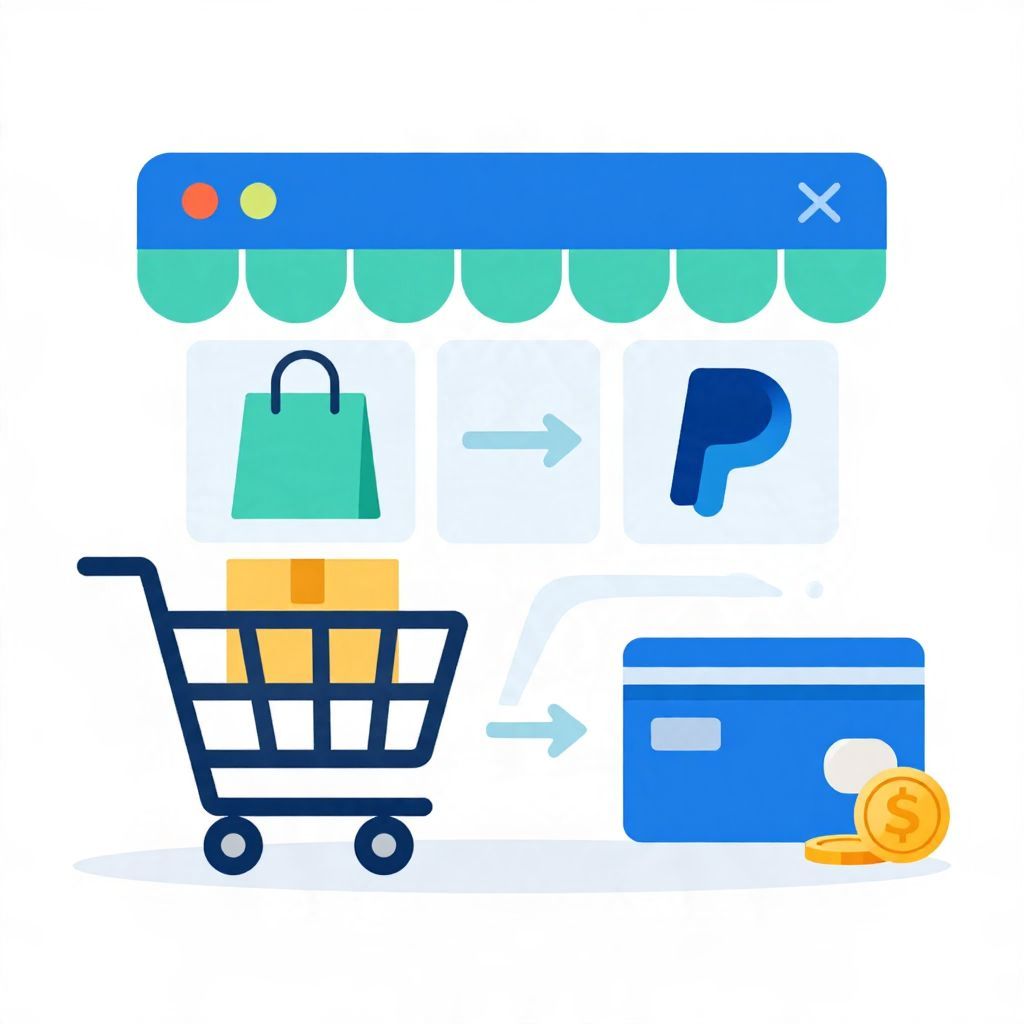
If you’re wondering, “Does Amazon take PayPal?” the short answer is usually no for direct checkout on Amazon’s website or app. Amazon does not typically let you enter a PayPal account as a standard payment method the way you would on many other online stores.
That does not mean you can never use PayPal-related funds to shop on Amazon. There are a few indirect workarounds, but they depend on your country, the products you buy, and the payment tools you already have. Here’s what you need to know before you try to pay.
Does Amazon Take PayPal?
Amazon generally does not accept PayPal as a direct payment option at checkout. In most cases, you cannot log in to PayPal and pay Amazon the way you would on a merchant that offers PayPal buttons. Instead, Amazon usually accepts cards, bank-linked payment methods, and Amazon gift cards, depending on the marketplace and region.
Why Amazon Usually Does Not Accept PayPal
Amazon and PayPal are separate payment ecosystems. Amazon prefers its own checkout flow, while PayPal is designed to move money through its own wallet and merchant network. Because of that, the two services do not usually connect directly at the point of sale.
For shoppers, the practical result is simple: if you only have a PayPal balance, you may need to convert that balance into a payment method Amazon does accept.
What this means for your checkout
- You typically cannot select PayPal as a payment button on Amazon.
- You may still be able to use a card funded by PayPal, if your PayPal account offers one.
- You may be able to buy an Amazon gift card from a third party using PayPal, then redeem it on Amazon.
Ways to Use PayPal Money for Amazon Purchases
If Amazon does not accept PayPal directly, you still have a few possible routes. The right option depends on what you mean by “using PayPal” and how quickly you need to complete the purchase.
1. Use a PayPal debit or prepaid card, if available
In some places, PayPal offers a debit card or prepaid card that draws from your PayPal balance. If you have one, you may be able to enter it as a regular card on Amazon. This is not the same as paying with PayPal directly, but it can work like a bridge.
Important: card availability, fees, and funding rules vary by country and provider. Check your PayPal account terms before relying on this method.
2. Buy an Amazon gift card with PayPal
Another common workaround is to purchase an Amazon gift card from a retailer that accepts PayPal, then redeem the gift card on Amazon. Once the gift card balance is added to your Amazon account, you can use it at checkout.
This method can be useful if you want to spend a PayPal balance without linking a bank card. However, it may involve extra steps, and some gift card sellers may charge fees or have limits.
3. Transfer PayPal funds to your bank account
If your PayPal account is linked to a bank account, you may be able to move money from PayPal to your bank and then use your debit card, credit card, or bank account to pay Amazon. This is often the most straightforward option if you already use a bank-connected payment method for online shopping.
Keep in mind that transfer timing can vary. Some transfers are instant for a fee, while standard transfers may take longer. Exact timing depends on your bank, country, and PayPal account setup.
4. Use a linked card in your Amazon account
If your PayPal balance is tied to a card you already use elsewhere, you may be able to add that card to Amazon directly. Amazon will charge the card, not PayPal, so this only works if the card itself is accepted and has sufficient funds or credit available.
What Payment Methods Amazon Usually Accepts
Amazon payment options vary by country, but many shoppers can expect some combination of the following:
- Credit cards
- Debit cards
- Bank account-linked payment methods in some regions
- Amazon gift cards or gift card balances
- Installment or financing options in select markets
Because payment rules differ by marketplace, the best way to confirm what you can use is to review the payment methods shown at checkout in your Amazon account.
Can You Add PayPal to Amazon?
In general, you cannot add a PayPal account as a direct payment method in Amazon’s wallet the way you might add a credit card. Amazon’s checkout is built around its own accepted payment types, and PayPal is usually not one of them.
If you see a third-party service or workaround claiming to “link PayPal to Amazon,” read the terms carefully. Some services may simply route your purchase through a card, gift card, or separate payment product rather than connecting PayPal directly.
Pros and Cons of Workarounds
Using a workaround can help you shop on Amazon, but each option has trade-offs. It is worth comparing convenience, fees, and flexibility before you move money around.
Advantages
- Lets you use money already sitting in PayPal
- Can help if you do not want to use a bank card directly online
- May be useful for budgeting by separating spending money
Disadvantages
- May involve extra fees or delays
- Can be less convenient than a direct card payment
- Gift cards may be nonrefundable or harder to replace if lost
- Availability can vary by country and provider
Example: How a PayPal Workaround Might Look
Suppose you have $50 in PayPal and want to buy a $45 item on Amazon. Since Amazon does not usually accept PayPal directly, you might:
- Use PayPal to buy an Amazon gift card from a seller that accepts PayPal.
- Redeem the gift card to your Amazon account.
- Use the Amazon balance to pay for the item.
This can work, but the final cost may be higher than $45 if the gift card seller charges a fee. For example, if you paid $47 for a $45 gift card, your effective cost is $47 for a $45 purchase. That is a simple reminder to compare the total cost, not just the face value.
Things to Watch Before You Use Any Workaround
Before you try to route PayPal money into Amazon, check the details carefully. Small differences in fees, transfer timing, and refund rules can matter.
- Fees: Some transfer or gift card options may cost extra.
- Refunds: Amazon refunds usually go back to the original payment method or gift card balance, depending on the order.
- Country rules: Payment options may differ outside the U.S.
- Security: Use trusted sellers and official account settings whenever possible.
- Budgeting: Make sure the workaround does not encourage overspending just because the money is “already in PayPal.”
Is It Better to Use PayPal or a Card on Amazon?
That depends on your goal. If convenience matters most, a card accepted by Amazon is usually the simplest choice. If you want to keep funds in a separate wallet or use money already in PayPal, a workaround may make sense.
From a budgeting perspective, the best method is the one that is easy to track and does not add unnecessary fees. If a workaround costs more than paying directly with a card, it may not be worth it unless you have a specific reason to use PayPal funds.
Frequently Asked Questions
Does Amazon accept PayPal at all?
Usually not as a direct checkout option. Some indirect methods may let you spend PayPal-linked funds on Amazon, but PayPal itself is generally not listed as a standard payment method.
Can I use PayPal Cash Card or PayPal debit card on Amazon?
If the card is accepted by Amazon and has available funds, it may work like any other debit or prepaid card. Availability depends on your country and the specific card product.
Can I buy Amazon gift cards with PayPal?
Sometimes, yes, through certain retailers or platforms that accept PayPal. Always verify the seller’s terms, fees, and delivery method before purchasing.
Is it safe to use a workaround?
It can be safe if you use reputable services and understand the fees and refund rules. Avoid unfamiliar sellers or offers that seem unusually cheap or complicated.
Bottom Line
So, does Amazon take PayPal? Usually not directly. If you want to use PayPal money on Amazon, your best options are typically a PayPal-linked card, a gift card purchased with PayPal, or transferring funds to a bank account and paying another way. For more details, you may also find this guide on Amazon and PayPal acceptance and this article on using Sezzle Spend on Amazon helpful.