
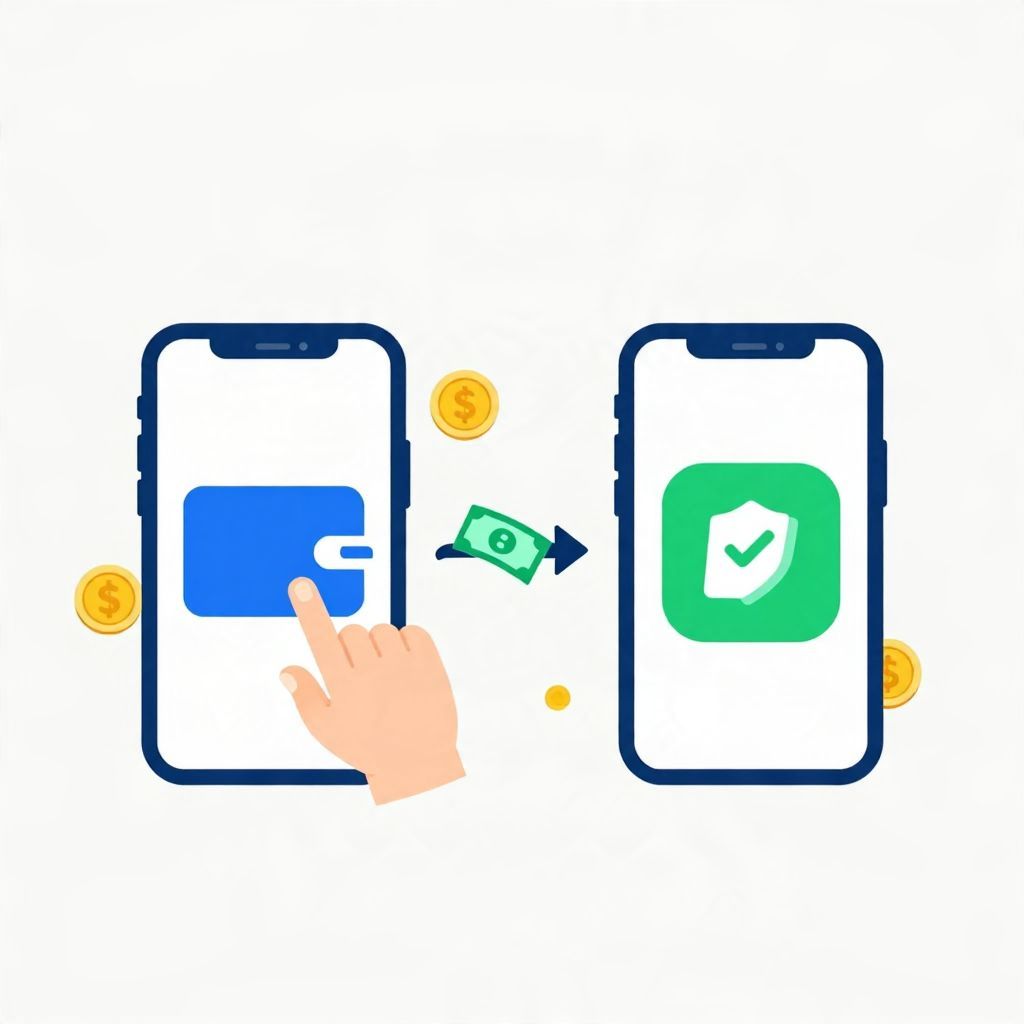
If you want to move money from PayPal to Cash App, the short answer is that there is usually no direct transfer button between the two apps. In most cases, you must move the money through a linked bank account or debit card, or use a Cash App deposit method that accepts funds from your bank.
This guide explains the common options, the steps involved, possible fees, and the main things to watch for so you can transfer money safely and avoid delays.
How To Transfer Money From Paypal To Cash App
The most common way to move money from PayPal to Cash App is to first withdraw the PayPal balance to a bank account or eligible debit card, then add that money to Cash App from the same bank account or card. The exact steps depend on which accounts and transfer features you have enabled, and fees or transfer times may vary by provider.
Why there is no direct PayPal-to-Cash App transfer
PayPal and Cash App are separate payment platforms, and they do not generally offer a built-in direct transfer between each other. That means you usually need an intermediate step, such as a bank account, debit card, or another supported funding source. If you are trying to move money quickly, it helps to know which account is connected to both services.
What you need before you start
- A verified PayPal account with a balance available to withdraw
- A linked bank account or eligible debit card in PayPal
- A Cash App account with the same bank account or card linked, if supported
- Access to your login, two-factor authentication, and any identity verification prompts
Step-by-step: transfer money from PayPal to Cash App
Step 1: Check your PayPal balance
Log in to PayPal and confirm how much money is available. If some funds are still pending, they may not be ready to withdraw yet. Only available funds can usually be moved out.
Step 2: Withdraw money from PayPal
Choose the option to transfer or withdraw money from PayPal to your linked bank account or eligible debit card. The transfer method you select may affect how long it takes and whether a fee applies.
- Standard transfer: Usually takes longer, but may be lower cost or free depending on the provider and account type.
- Instant transfer: Often faster, but may include a fee and may not be available for every bank or card.
Step 3: Wait for the funds to arrive
Once PayPal sends the money, wait for it to appear in your bank account or card balance. Timing can vary based on the transfer method, banking hours, weekends, and holidays. Do not assume the money is available in Cash App until it has fully settled in the middle account.
Step 4: Add money to Cash App
Open Cash App and use the option to add money from your linked bank account or debit card. Enter the amount you want to transfer, confirm the source account, and complete the transfer. If your bank account is linked correctly, the money should move into Cash App after processing.
Step 5: Confirm the transfer
Check both apps to make sure the withdrawal from PayPal and the deposit into Cash App were completed. Save screenshots or transaction records in case you need to contact support later.
Alternative ways to move money between the apps
Use a debit card linked to both services
If your PayPal balance can be withdrawn to a debit card and that same card is accepted by Cash App, this may be a faster route than waiting for a bank transfer. However, not every card works the same way, and some cards may not be eligible for instant transfers or Cash App deposits.
Use a bank account as the bridge
This is often the most straightforward method. PayPal sends the money to your bank account, and then you move it from the bank account into Cash App. It may take longer than an instant transfer, but it is often easier to track and verify.
Send money to someone who uses Cash App only if appropriate
Some people consider sending money to a trusted person and asking them to forward it through Cash App. This can create unnecessary risk, confusion, or disputes, so it is usually better to use your own linked accounts whenever possible.
Possible fees and transfer times
Fees and processing times depend on the transfer method, your account type, and the institutions involved. Because policies can change, it is important to review the fee screen before confirming any transfer.
- PayPal withdrawal fee: May apply for instant transfers or certain card withdrawals.
- Bank transfer fee: Often lower, but not always instant.
- Cash App deposit fee: Standard bank-linked deposits are typically different from card-based funding methods.
If you are moving a small amount, a fee may take a noticeable share of the transfer. For example, a $20 transfer with a $1 fee costs 5% of the amount moved. That is one reason many people prefer standard transfers when speed is not urgent.
Common problems and how to avoid them
The bank account is not linked to both apps
If the same bank account is not connected to both PayPal and Cash App, you may need to add it first. Make sure the account details match exactly, including routing and account numbers.
The transfer is delayed
Delays can happen because of weekends, holidays, identity checks, or a review of the transaction. If a transfer is pending longer than expected, check both apps for status updates before trying again.
The payment is rejected
Rejections can happen if the funding source is unsupported, the name on the account does not match, or there are security concerns. Double-check your linked accounts and make sure your profile information is consistent.
You entered the wrong amount
Before confirming the transfer, review the amount carefully. If you send too much or use the wrong source, reversing the transaction may be difficult or impossible once it has processed.
Safety tips for transferring money
- Use only accounts you control and recognize.
- Turn on two-factor authentication in both apps.
- Review recipient, source, and amount before confirming.
- Avoid sharing login details with anyone.
- Watch for phishing emails or fake support messages.
Money transfer apps are convenient, but they are also common targets for scams. If someone pressures you to move funds quickly or asks you to “verify” a payment outside the app, pause and confirm through official app support channels.
Tax and recordkeeping considerations
Moving your own money between accounts is usually not a taxable event by itself, but the underlying purpose of the transfer can matter. For example, payments for goods, services, business income, or reimbursed expenses may have tax or reporting implications depending on your country and situation. Keep records of transfers, especially if the money is related to work or business activity.
When to choose another method
If you need money to arrive in Cash App immediately, a bank-to-Cash App transfer may not be the best option if your bank processes slowly. If speed matters, compare the available transfer choices inside PayPal and Cash App before confirming. If fees are high, a standard transfer may be the better value even if it takes longer.
Bottom line
There is usually no direct way to transfer money from PayPal to Cash App. The practical solution is to move the funds through a linked bank account or eligible debit card, then add the money to Cash App from that same source. For more related guidance, you may also want to read can you send money from PayPal to Cash App and how to transfer money from Chime to Cash App.