
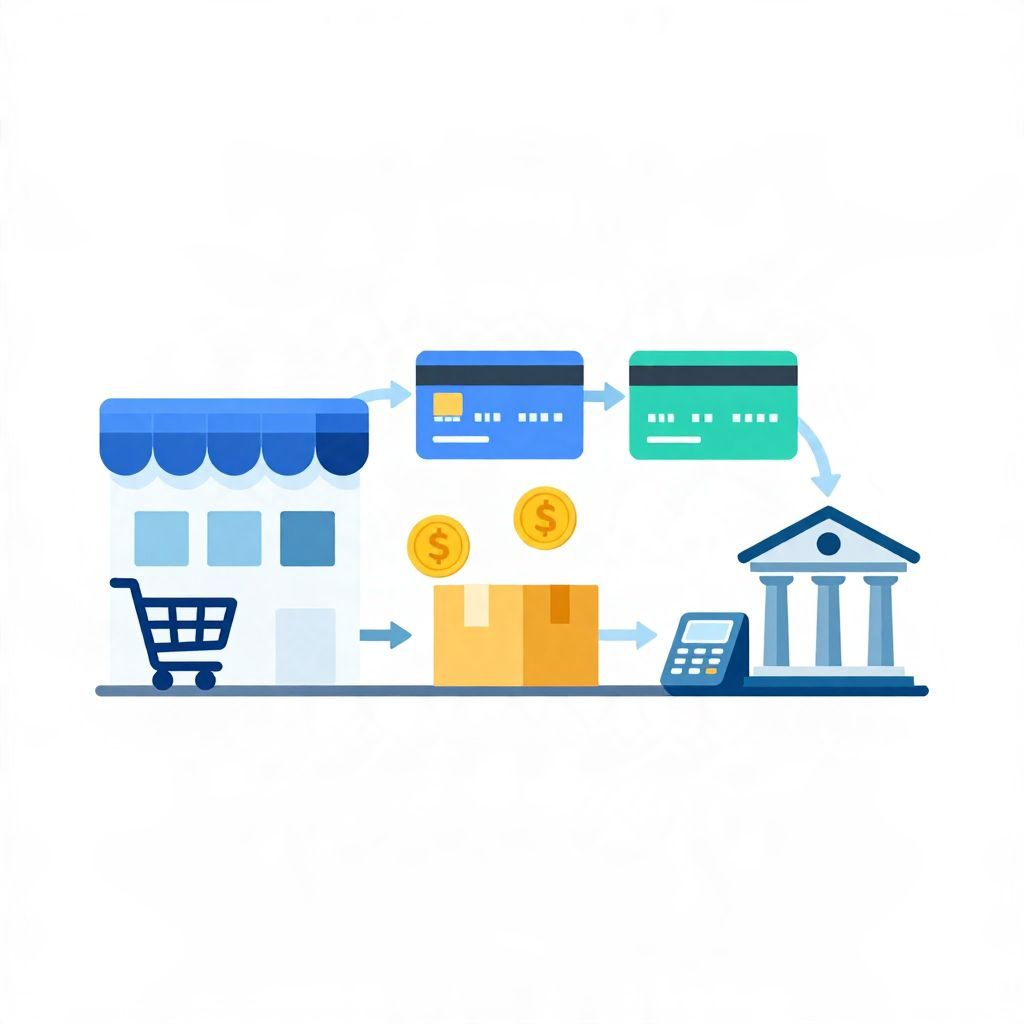
If you spotted “Amazon Marketplace Pmts” on your bank or card statement, you’re probably wondering what it means and whether it’s legitimate. In most cases, it refers to a payment made to a seller or merchant through Amazon’s marketplace system, often tied to an order, subscription, or digital purchase.
The exact wording can vary by bank, card network, and country, so the description alone may not show the full order details. The good news is that it is usually a normal transaction label, but you should still verify it if you do not recognize the charge.
What Is Amazon Marketplace Pmts?
Amazon Marketplace Pmts is a statement descriptor commonly used for a charge processed through Amazon’s marketplace payment system. It usually means you bought something from a third-party seller on Amazon, paid for a digital item, or used an Amazon-related checkout flow. The label is not always the item name, so you may need to match it to your order history.
Why Does It Appear on a Bank Statement?
Card statements and bank feeds often shorten merchant names to fit limited space. Instead of showing the exact product or seller, they may show a payment processor name or a generic marketplace label. That is why “Amazon Marketplace Pmts” can look unfamiliar even when the charge is valid.
Common reasons for the label
- A purchase from a third-party seller on Amazon Marketplace
- A digital purchase, such as an ebook, app, or subscription tied to Amazon
- A split or delayed payment that posts under a processor-style description
- A charge that was authorized earlier but posted later
How to Tell Whether the Charge Is Legitimate
If you do not immediately recognize the charge, check your Amazon account and compare the amount, date, and currency. Because statement labels can be abbreviated, the merchant name may not match the product name exactly. A small difference in timing is also common if the charge posted after the order was placed.
Simple verification steps
- Sign in to your Amazon account.
- Open your order history and recent digital purchases.
- Match the amount to the statement charge.
- Check the order date against the posting date on your bank statement.
- Look for subscriptions, renewals, or family-shared purchases.
- If it still does not match, contact Amazon or your bank/card issuer.
Examples of What “Amazon Marketplace Pmts” Might Mean
Here are a few illustrative examples. These are not live transactions, but they show how the label can appear in practice.
Example 1: Marketplace item from a third-party seller
You order a kitchen gadget from a seller listed on Amazon. Your statement may show “Amazon Marketplace Pmts” instead of the seller’s name. The amount should match the order total, including shipping and tax if applicable.
Example 2: Digital content purchase
You buy an ebook or rent a movie through Amazon. The statement may use a generic Amazon payment label rather than the title of the content. If the amount is small, it may be easy to overlook until you review your recent activity.
Example 3: Subscription or recurring charge
Some Amazon-related services renew automatically. If you subscribed to a digital service, the statement descriptor may not clearly name the plan. Recurring charges are especially important to track because they can continue until canceled.
Is Amazon Marketplace Pmts a Scam?
Not necessarily. In many cases, it is a normal Amazon-related charge. However, any unfamiliar card or bank transaction should be checked carefully. Fraudsters sometimes use merchant names that look similar to real businesses, and a vague descriptor can make a charge harder to identify.
Red flags to watch for
- The amount does not match any order you placed
- You do not have an Amazon account or recent purchase
- The charge appears multiple times
- The posting date is far from any order date you recognize
- You see other unauthorized transactions on the same card
What to Do If You Don’t Recognize the Charge
If the charge looks unfamiliar, act quickly but calmly. Start by checking your Amazon order history and any shared accounts in your household. If you still cannot identify it, contact the merchant or payment provider and ask for clarification. If you suspect fraud, report it to your bank or card issuer right away.
Practical next steps
- Review your Amazon orders and subscriptions.
- Ask family members if they used your card.
- Compare the statement amount with receipts or email confirmations.
- Look for duplicate or pending transactions.
- Contact Amazon support if the charge seems tied to your account.
- Dispute the charge with your bank if it appears unauthorized.
How Pending and Posted Charges Can Cause Confusion
A charge can appear in a pending state before it fully posts. During that time, the amount or merchant label may look incomplete. Once the transaction settles, the final descriptor may change slightly. This is one reason a charge can seem unfamiliar at first but later turn out to be valid.
Pending vs. posted
- Pending: The payment has been authorized but not fully settled.
- Posted: The transaction is finalized and appears on your statement.
Does the Label Mean Amazon Took the Money?
Not always in the way people think. Amazon often acts as the marketplace and payment facilitator, but the actual seller may be a third party. In some cases, Amazon handles the checkout experience while the underlying sale belongs to an independent merchant. That is why the descriptor can be broad rather than specific.
How This Affects Your Budget
Small marketplace charges can add up, especially if they are digital purchases or recurring renewals. If you are budgeting closely, review Amazon-related charges each month so you can separate one-time purchases from ongoing expenses. This helps you avoid overspending and makes it easier to spot errors.
Budgeting tips
- Track Amazon purchases in a separate spending category
- Set a monthly cap for online shopping
- Review subscriptions before renewal dates
- Save receipts or confirmation emails for easier matching
When to Contact Your Bank or Card Issuer
Contact your bank or card issuer if the charge is unauthorized, duplicated, or still unexplained after checking your Amazon account. If you believe fraud occurred, the issuer can help you dispute the transaction, replace your card if needed, and monitor for additional suspicious activity. Rules and timelines for disputes can vary by country and provider.
Key Takeaway
“Amazon Marketplace Pmts” usually means a charge processed through Amazon’s marketplace system, often for a third-party seller or digital purchase. It is commonly legitimate, but you should always verify unfamiliar charges by checking your Amazon order history and statement details. If you want to understand related Amazon billing labels, see what “payment revision” means on Amazon and whether you can split payment on Amazon.