
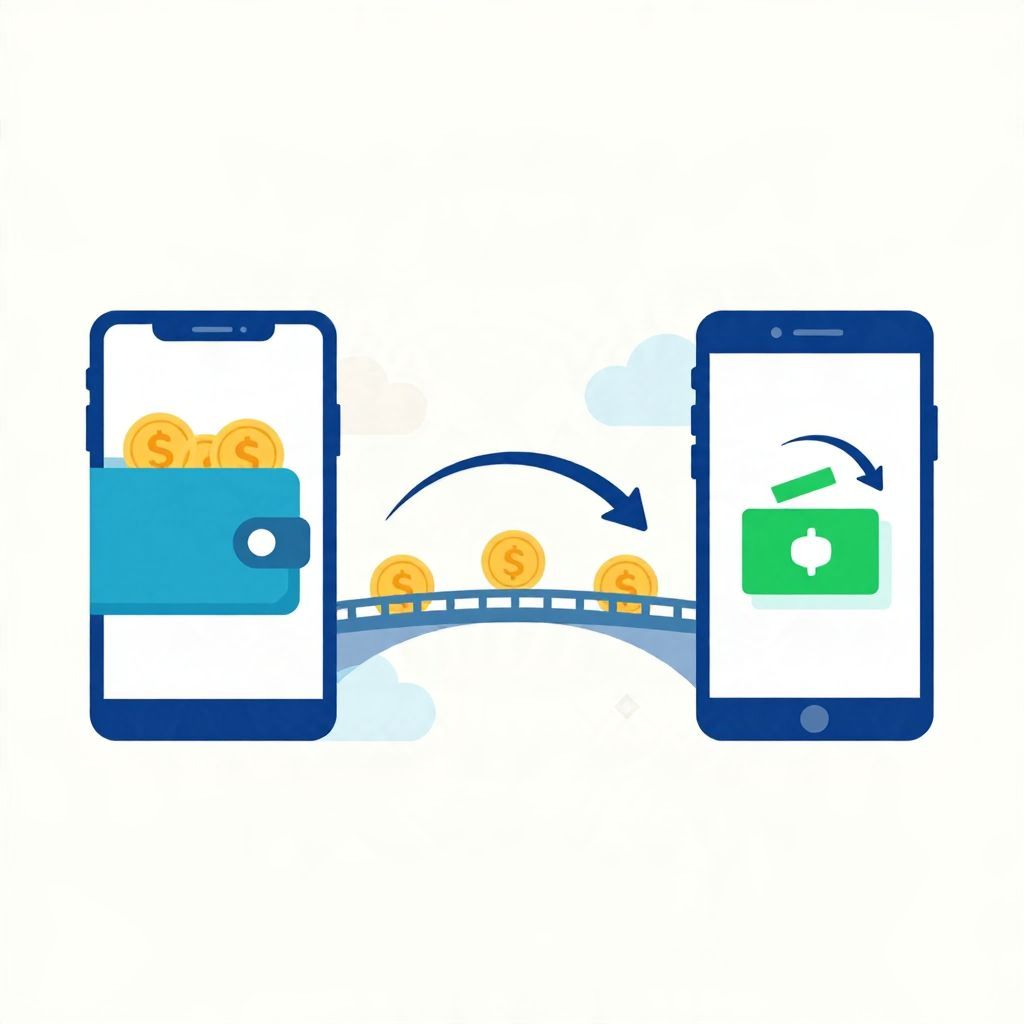
If you’re wondering, “Can you transfer money from PayPal to Cash App?” the short answer is yes, but usually not by sending money directly between the two apps. In most cases, you move funds from PayPal to a linked bank account or debit card first, then add or cash out that money in Cash App.
That means the process is possible, but it depends on the payment methods linked to your accounts, your region, and any fees or transfer limits that apply. Below, we’ll explain the options, the steps, and the main things to watch out for.
Can You Transfer Money From Paypal To Cash App?
Yes, but there is typically no direct PayPal-to-Cash App transfer feature. The usual method is to withdraw money from PayPal to a bank account or eligible debit card, then use that same bank account or card to fund Cash App. In some cases, users may also send money through a shared bank account route, but availability varies.
How the Transfer Usually Works
PayPal and Cash App are separate payment platforms, so they do not normally connect in a way that lets you move a balance from one app to the other with one tap. Instead, you need an intermediate step, such as a bank account or debit card that both apps can use.
Common transfer path
- Move money from PayPal to your bank account or debit card.
- Wait for the transfer to settle, if needed.
- Add money to Cash App from that same bank account or card, or cash out through Cash App if you are moving money the other direction.
Why this matters
This extra step can affect timing and fees. Standard transfers may take longer, while instant transfers often cost more. The exact options depend on the country, the bank, the card type, and the settings available in each app.
Step-by-Step: Moving Money From PayPal to Cash App
1. Link a bank account or debit card to PayPal
First, make sure PayPal has a withdrawal method attached. This is usually a bank account or an eligible debit card. If you do not have one linked, you may need to add and verify it before you can move funds out of PayPal.
2. Transfer the money out of PayPal
Choose the transfer or withdraw option in PayPal and send the balance to your linked bank account or card. Depending on the transfer type, the money may arrive quickly or take a few business days. Fees may apply for faster delivery, but not all users or regions will have the same fee structure.
3. Open Cash App and add funds
Once the money is in your bank account or available on your debit card, open Cash App and add the amount you want to use. If your bank account is linked, you can usually transfer money into Cash App from there. If you use a debit card, availability may depend on Cash App’s current funding rules and your account setup.
4. Confirm the balance and timing
Check both apps to make sure the money arrived and the transfer completed successfully. If you are using a standard bank transfer, the funds may not be available immediately. Always verify the final balance before spending or sending money onward.
Can You Transfer Money Directly Between PayPal and Cash App?
In general, no direct transfer button exists for sending a PayPal balance straight into Cash App. The two services are not designed to function as direct wallet-to-wallet partners. If you see a workaround online, it usually involves a linked bank account, debit card, or sending money to yourself through another payment route.
Possible workarounds
- Bank account route: Withdraw from PayPal to your bank, then fund Cash App from that bank.
- Debit card route: Use an eligible debit card connected to both services, if supported.
- Peer-to-peer route: Send money to someone who can pay you through the other app, though this adds trust and timing risks.
Each workaround has trade-offs. The bank route is usually the most straightforward and easiest to document for your records.
Fees, Limits, and Timing to Watch For
Transfer fees
Both PayPal and Cash App may charge fees for certain transactions, especially for instant transfers or card-based funding. Fee rules can change and may differ by country, account type, and transfer method. Before moving money, review the fee summary shown in each app so you know the net amount you will receive.
Transfer limits
There may be daily, weekly, or per-transaction limits on how much you can send or withdraw. Limits can depend on whether your account is verified, your payment method, and your region. If you need to move a larger amount, you may have to split it into multiple transfers.
Transfer timing
Standard transfers often take longer than instant options. A standard transfer might be suitable if you are not in a hurry, while an instant transfer can be useful if you need the money right away. Just remember that faster access may come with a fee.
Example: How the Money Moves in Practice
Suppose you have $200 in PayPal and want to use it in Cash App. A typical path might look like this:
- You transfer $200 from PayPal to your bank account.
- If PayPal charges a fee for instant transfer, your net amount could be less than $200.
- After the money arrives in your bank account, you add funds to Cash App from that account.
If the transfer is standard and free, your net amount may remain $200, but you may wait longer. If it is instant and fee-based, your net amount could be lower. Always check the amount shown before confirming.
What If You Don’t Have a Bank Account?
If you do not have a bank account, transferring between PayPal and Cash App may be more difficult. Some users may be able to use an eligible debit card, but availability is not universal. Without a shared funding method, you may need to open a bank account or use another acceptable withdrawal option.
Things to consider
- A bank account usually makes transfers simpler and more reliable.
- Debit cards may work for some steps, but not every card or account will qualify.
- Alternative methods may involve extra fees or slower processing.
Security and Verification Tips
Whenever you move money between financial apps, use caution. Make sure you are logging into the official app or website, and never share your password or verification codes with anyone. If either account asks for identity verification, complete it through the app’s normal process.
Good habits to follow
- Double-check the recipient account and transfer amount.
- Review fees before confirming the transaction.
- Keep records of transfers for budgeting or tax purposes if needed.
- Use two-factor authentication when available.
Are There Tax Issues?
For most people, simply moving your own money between payment apps is not the same as taxable income. However, tax treatment can change depending on why the money was received. For example, payments for goods, services, business activity, or certain reporting thresholds may have different tax consequences depending on your country or state.
If you use PayPal or Cash App for business, side income, or sales, keep accurate records and consider speaking with a tax professional. Rules vary by jurisdiction, and payment platforms may issue tax documents or report activity under certain conditions.
When It Makes Sense to Use This Transfer
Moving money from PayPal to Cash App can be useful if you prefer one app for spending, sending money, or managing cash flow. It may also help if a merchant, friend, or service only accepts one platform. Still, the best method depends on speed, fees, and whether you already have a bank account linked.
Choose the route that fits your goal
- Fastest: Usually an instant transfer, if available and worth the fee.
- Lowest cost: Often a standard transfer, if you can wait.
- Most flexible: A linked bank account that works with both apps.
Common Problems and How to Avoid Them
Transfer is pending
Pending transfers are common when money is moving between platforms or through a bank. Wait for the estimated processing time before trying again.
Money does not show up in Cash App
Check whether the money actually reached your bank account first. If it did, confirm that Cash App is linked to the correct account or card. A mismatch in account details can cause delays.
Transfer is declined
Declines can happen for many reasons, including insufficient balance, verification issues, unsupported cards, or transfer limits. Review the app’s message carefully and try again only after fixing the issue.
Bottom Line
So, can you transfer money from PayPal to Cash App? Yes, but usually not directly. The most common method is to move the funds from PayPal to a bank account or eligible debit card first, then use that same funding source with Cash App. Before you transfer, compare fees, timing, and limits so you know the net amount you will actually receive. For more help, you may also find this overview of PayPal to Cash App transfers and this step-by-step guide useful.